
WordPress already provides several SEO foundations, including an XML sitemap, canonical URL output, and basic robots controls. What it does not provide as a single built-in workflow is the broader set of editorial and technical controls many site owners want: custom search titles and descriptions, advanced schema management, redirect workflows, detailed on-page guidance, local SEO controls, WooCommerce-specific optimization, or migration tools.
That is where an SEO plugin earns its place. The useful question is not which plugin has the longest feature list. It is which one gives your site the controls you actually need without adding unnecessary complexity.
Quick Answer.
The best SEO plugin for WordPress depends on what you need. In 2026 the strongest options are Rank Math (feature-rich control), Yoast SEO (beginners and content teams), AIOSEO (business and WooCommerce), SEOPress (agencies and multi-site), The SEO Framework (lightweight), Slim SEO (hands-off automation), and Squirrly SEO (content guidance). You only need one – running two general SEO plugins at once causes conflicts rather than doubling your SEO.
What Should You Look for in a WordPress SEO Plugin?
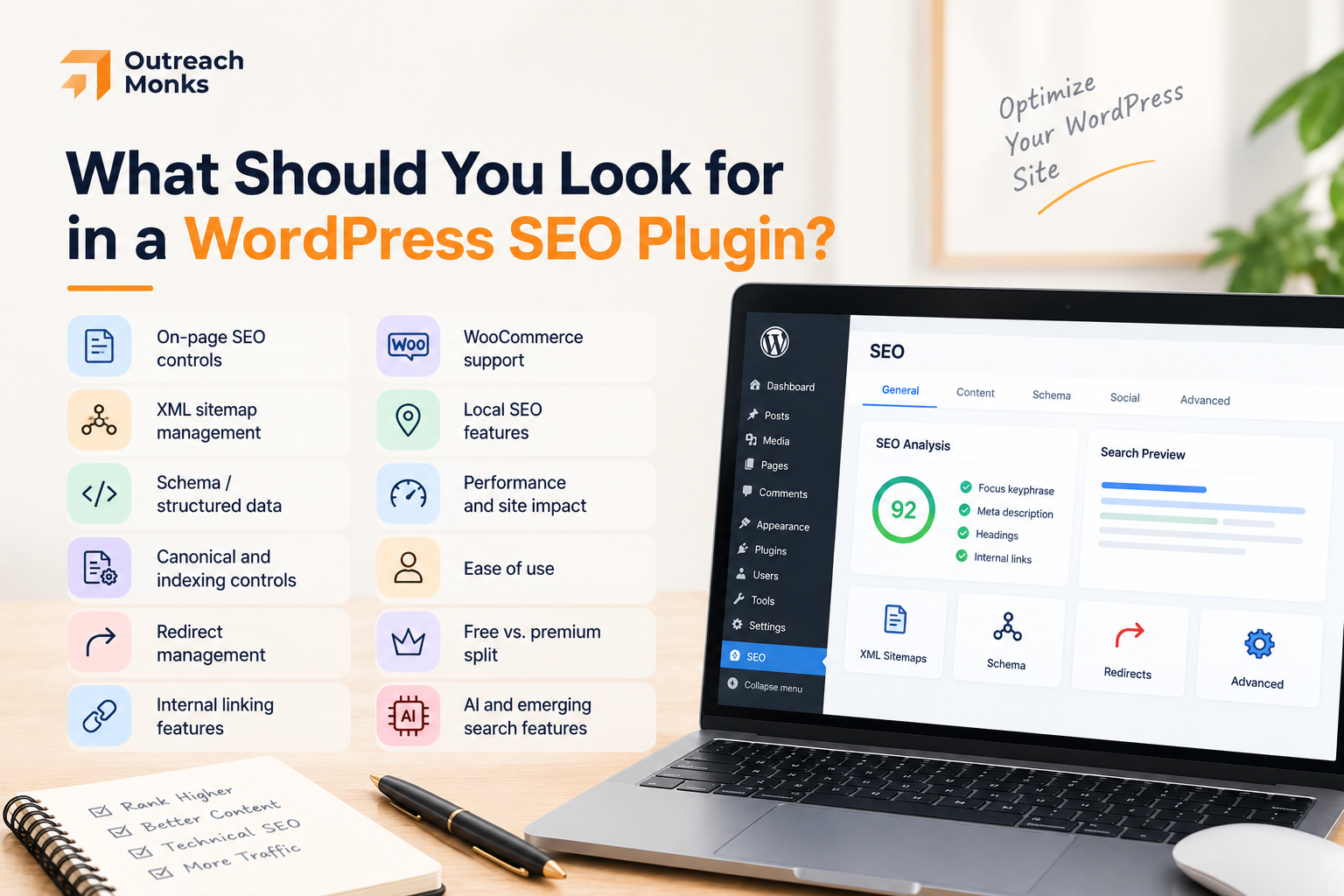
Before comparing plugins, it helps to know which capabilities actually matter for your site – and why. These are the criteria we weighed, with the reason each one earns its place.
- On-page SEO controls. Custom titles, meta descriptions, and content analysis are the day-to-day of SEO. If the workflow is clunky, your writers won’t use it.
- XML sitemap management. Sitemaps help search engines discover and understand your pages. Nearly every plugin generates one; what varies is how much control you get over what’s included.
- Schema / structured data. Schema helps search engines (and increasingly AI systems) understand what a page is about, and can enable rich results. Depth of schema control is a real differentiator between plugins.
- Canonical and indexing controls. These prevent duplicate-content issues and keep thin or irrelevant pages out of the index – quiet but important for larger sites.
- Redirect management. When URLs change, redirects preserve rankings and prevent 404s. Built-in redirects save you a separate plugin.
- Internal linking features. Internal links spread authority and help users and crawlers navigate. Some plugins suggest links as you write.
- WooCommerce support. Ecommerce sites have SEO needs regular sites don’t – product schema, variations, and category optimization. “Supports WooCommerce” is not the same as handling it well.
- Local SEO features. For brick-and-mortar and service businesses, local business schema and multi-location support matter.
- Performance and site impact. SEO plugins run mostly in the admin, so their front-end weight is usually modest – but overlap and unused modules add up.
- Ease of use. A powerful plugin nobody on the team understands is worse than a simpler one everybody uses correctly.
- Free vs. premium split. What you get without paying varies widely, and the gap is where budgeting decisions live.
- AI and emerging search features. Several plugins now offer AI-assisted metadata and content help, and a few are starting to touch on llms.txt – an emerging file standard some AI crawlers use to understand what a site allows them to access, separate from robots.txt. These are useful as accelerators – but not a guarantee of rankings or AI-search visibility, and llms.txt support is still inconsistent across plugins as of 2026.
How We Selected These Plugins
This is a research-based comparison, not a hands-on lab test with benchmarked install times or side-by-side load tests on a live site. We built it by cross-referencing each plugin’s own documentation and current pricing pages, its WordPress.org listing (for active installations, changelog activity, and support-forum tone), and how its feature set holds up against the criteria above.
Where a claim could be checked against a primary source – pricing, active installations, what’s gated behind a paid tier – we verified it directly rather than repeating older third-party roundups, which is also why some of the prices here differ from what you’ll still find quoted elsewhere. What we haven’t done is measure page-speed impact or content-analysis accuracy under real editorial use across all seven; treat performance and usability comments here as informed judgment based on documented behavior and public feedback, not benchmarked results.
The 7 Best SEO Plugins for WordPress in 2026
1. Rank Math – Best for Feature-Rich SEO
Rank Math packs more into a single dashboard than almost anything else here: on-page analysis with multiple focus keywords, a genuinely strong schema generator, built-in redirections and 404 monitoring, Google Search Console integration, and dedicated WooCommerce and local SEO modules.
With more than 4 million active installations, it’s become the default challenger to Yoast for anyone who wants more granular control. Its modular design is the underrated part – you can switch off the modules you don’t use, which keeps a feature-heavy plugin from becoming dead weight.
The flip side of that breadth is the learning curve. A first-time user opening Rank Math sees a lot of switches, and it’s easy to over-configure. Used deliberately, though, it replaces several separate plugins at once.
Pros:
- Broadest free feature set of any plugin here
- Granular, flexible schema controls
- Modular – disable what you don’t need
- Import wizards from Yoast, AIOSEO, and SEOPress
Cons:
- The number of settings overwhelms beginners
- Content AI and some schema types are Pro-only
- Easy to over-configure if you’re not careful
Pricing: Free plan; Pro from ~€6.99/mo billed annually – a current discounted rate, with the regular rate closer to €8.99/mo. Rank Math prices in EUR by default, so confirm the converted cost in your currency at checkout.
Best for: WordPress users who want extensive SEO control in one plugin and don’t mind a busy dashboard.
2. Yoast SEO – Best for Beginners and Content Teams
Yoast is the editorial workhorse, and with more than 10 million active installations, it remains the most widely used SEO plugin in WordPress by a wide margin. Its real-time content and readability analysis, sensible defaults, breadcrumbs, and (in Premium) internal linking suggestions and redirects make it the plugin that teaches SEO while you write.
That guidance is exactly what makes it beginner-friendly – the traffic-light feedback nudges writers toward better on-page habits without a manual.
Its maturity is a real asset: the ecosystem, documentation, and third-party compatibility are unmatched. Set against that scale, the free version limits you to one focus keyword per page, and several genuinely useful features sit behind Premium.
Pros:
- Gentle learning curve and strong editorial guidance
- Largest ecosystem and documentation of any option
- Reliable, sensible defaults out of the box
- Trusted, widely supported across themes and hosts
Cons:
- Free version caps you at one focus keyword per page
- Redirects, internal linking, and more are Premium-only
- Opinionated analysis can feel rigid to advanced users
Pricing: Free plan; Premium runs about $119/year (118.8 in EUR/USD/GBP) for a single site – noticeably more than the ~$99/year some older roundups still quote.
Best for: Bloggers, publishers, and content teams that want guided, teach-as-you-go SEO inside WordPress.
3. All in One SEO (AIOSEO) – Best for Business and WooCommerce
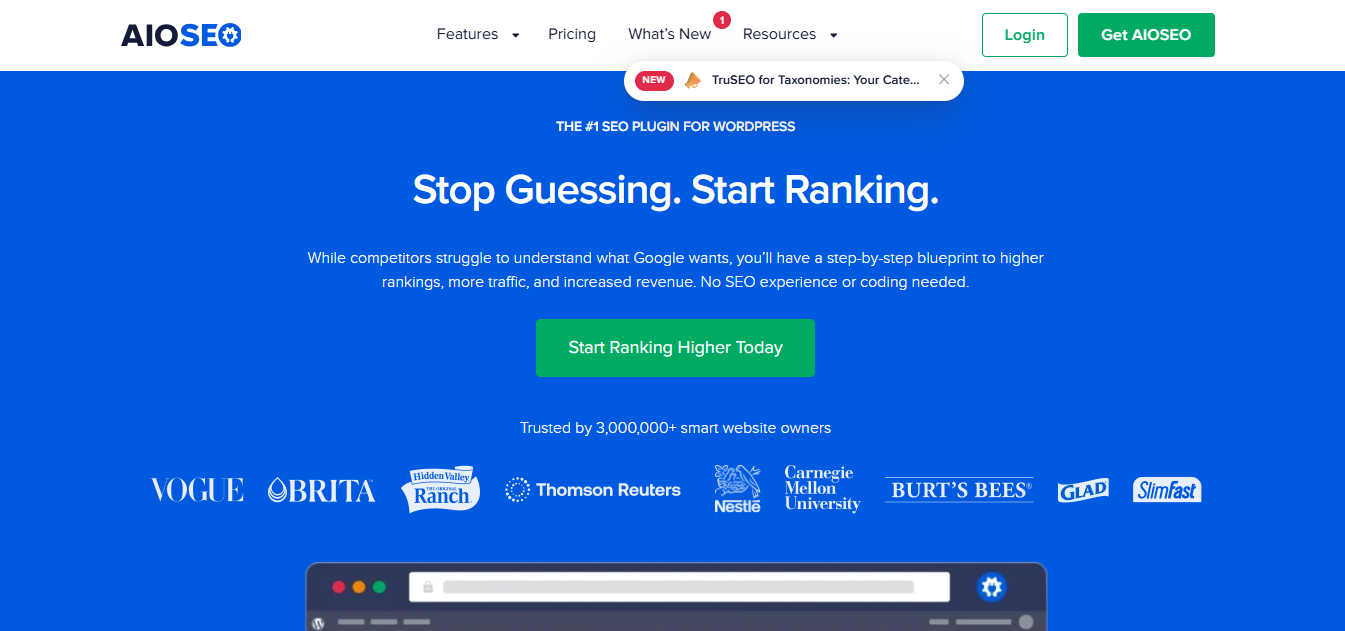
All in One SEO Pack leans clearly toward business and ecommerce use, and its 2+ million active installations put it solidly in the market’s top tier.
Its TruSEO on-page analysis, strong schema, local SEO, redirection manager, link assistant, and image SEO are all solid, but the standout is WooCommerce SEO – product-focused optimization that matters when your money pages are product and category templates. Author and E-E-A-T features also make it a fit for sites that need to signal expertise.
Where it asks you to pay is business-grade functionality – a lot of it is Pro-gated, and multi-site licensing climbs quickly. The dashboard is capable but feature-heavy, so it rewards sites that will actually use the breadth.
Pros:
- Strong WooCommerce and local SEO built in
- Business-oriented features (E-E-A-T, author markup)
- Clean onboarding wizard for a feature-rich plugin
- Useful technical controls (redirects, link assistant)
Cons:
- Many of the best features are reserved for Pro
- Multi-site licensing gets expensive fast
- Heavier than the lightweight options here
Pricing: Free (Lite) plan; paid tiers run from $99/year (Basic, 1 site) up to $599/year (Elite, 100 sites) at regular pricing. AIOSEO frequently runs a first-year discount of around 50% – confirm what you’ll actually pay at renewal, not just at checkout.
Best for: Business websites and WooCommerce stores that want SEO and ecommerce features in one plugin.
4. SEOPress – Best for Agencies and Multi-Site Users
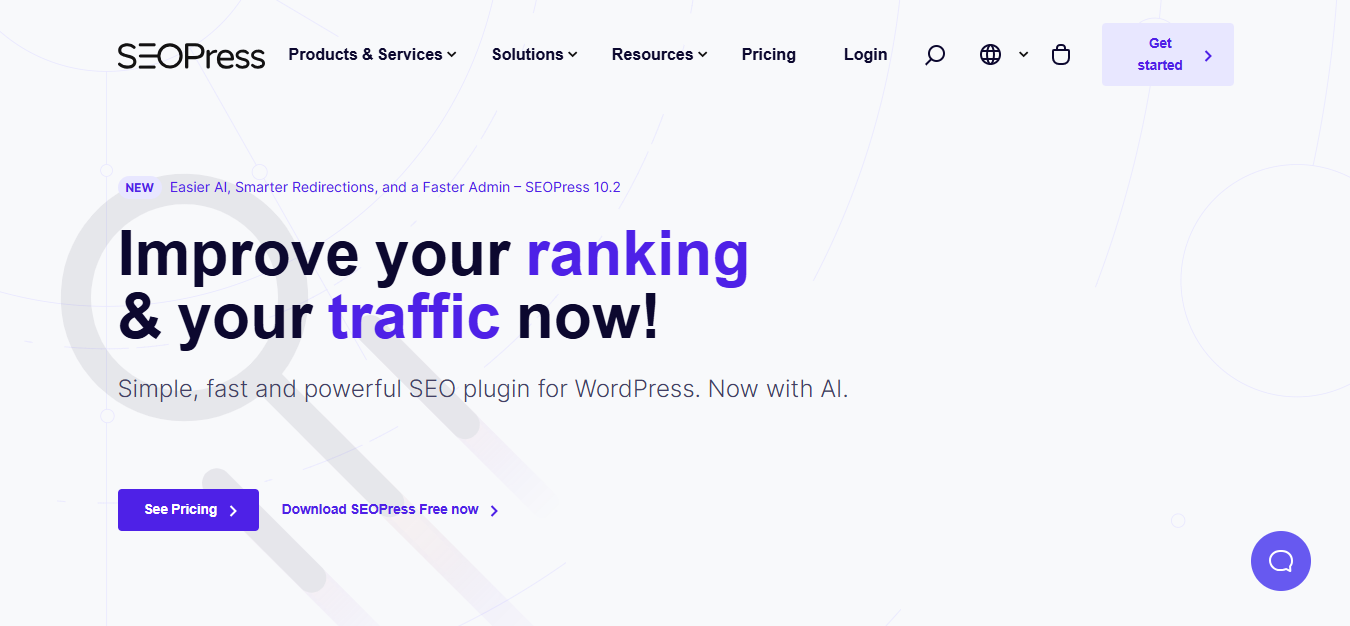
SEOPress is the agency-minded option, even though its roughly 300,000 active installations make it the smallest footprint among the major players on this list. It covers the full set – metadata, XML and HTML sitemaps, schema, redirects, local SEO, WooCommerce, and analytics integration – through a clean, uncluttered interface.
Two things push it up the list for agencies: a white-label mode, and Pro pricing built around site count – $49/year for one site, $59/year for five, and $149/year for unlimited sites, which changes the cost math entirely once you’re managing more than a handful of clients.
It’s also privacy-conscious and light on upsells. The real cost is a smaller ecosystem than Yoast or Rank Math, so you’ll find fewer third-party tutorials when you hit an edge case.
Pros:
- Unlimited-site Pro tier ($149/yr) – cost-efficient at scale
- White-label mode for client-facing work
- Clean, uncluttered interface
- Privacy-conscious with minimal upselling
Cons:
- Smaller ecosystem and community than the market leaders
- Some advanced features require Pro
- Fewer third-party guides for unusual setups
Pricing: Free plan; Pro runs $49/year for one site, $59/year for five sites, and $149/year for unlimited sites – it’s the unlimited tier, not the $49 entry price, that makes SEOPress genuinely agency-efficient.
Best for: Agencies, developers, and owners managing multiple WordPress sites who want cost-efficient, white-label SEO.
5. The SEO Framework – Best for Lightweight SEO
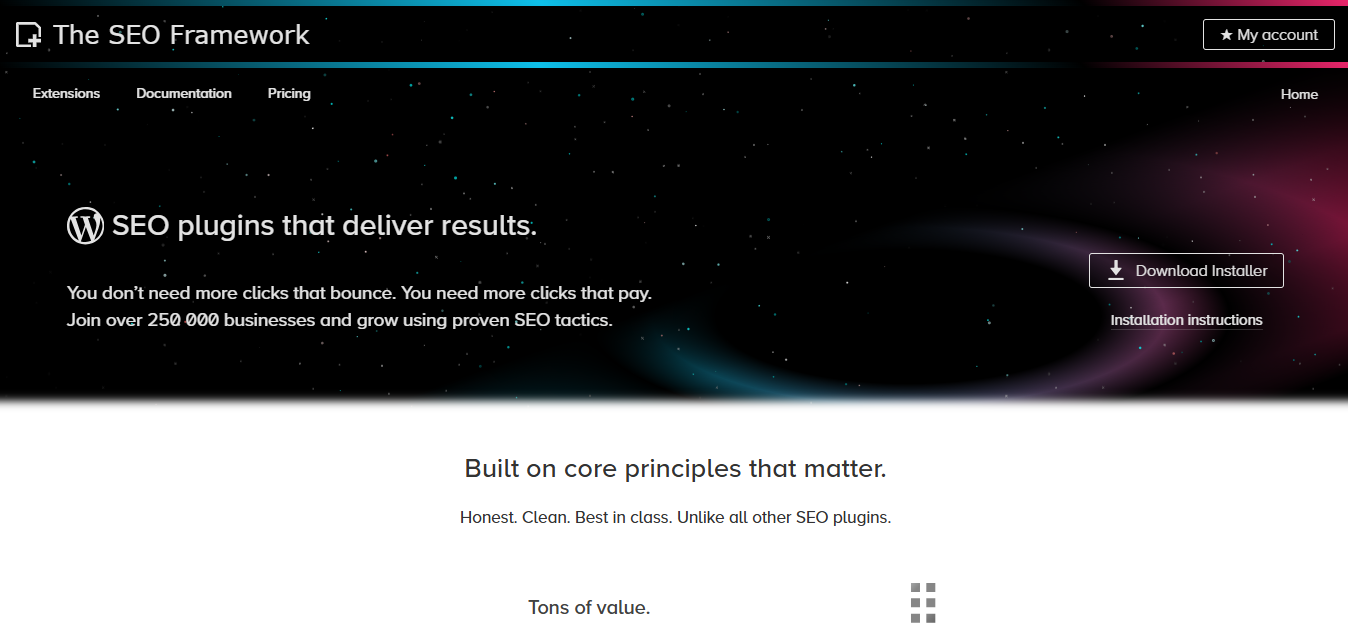
The SEO Framework takes the opposite philosophy to the all-in-one plugins: automate the essentials, stay out of the way, and add nothing you didn’t ask for. With around 200,000 active installations, it’s a niche pick by design, favored by developers rather than by volume. It auto-generates metadata, handles canonicals, schema, social meta, robots controls, and an XML sitemap, all through a minimal, ad-free, upsell-free admin. Extra capabilities come via optional extensions rather than a crowded core.
That restraint is the appeal and the limit. You get a fast, clean plugin with little to configure – but also little content guidance and no full redirect manager unless you add an extension. It rewards users who know what they want.
Pros:
- Very light and fast, with an ad-free admin
- Automated metadata means minimal setup
- Clean, distraction-free interface
- Developer-friendly and predictable
Cons:
- Fewer built-in features than all-in-one rivals
- No full redirect manager without an extension
- Little content or readability guidance
Pricing: Free core plugin; paid extensions available for added functionality.
Best for: Developers and experienced WordPress users who want essential SEO controls without a crowded dashboard.
6. Slim SEO – Best for Hands-Off SEO
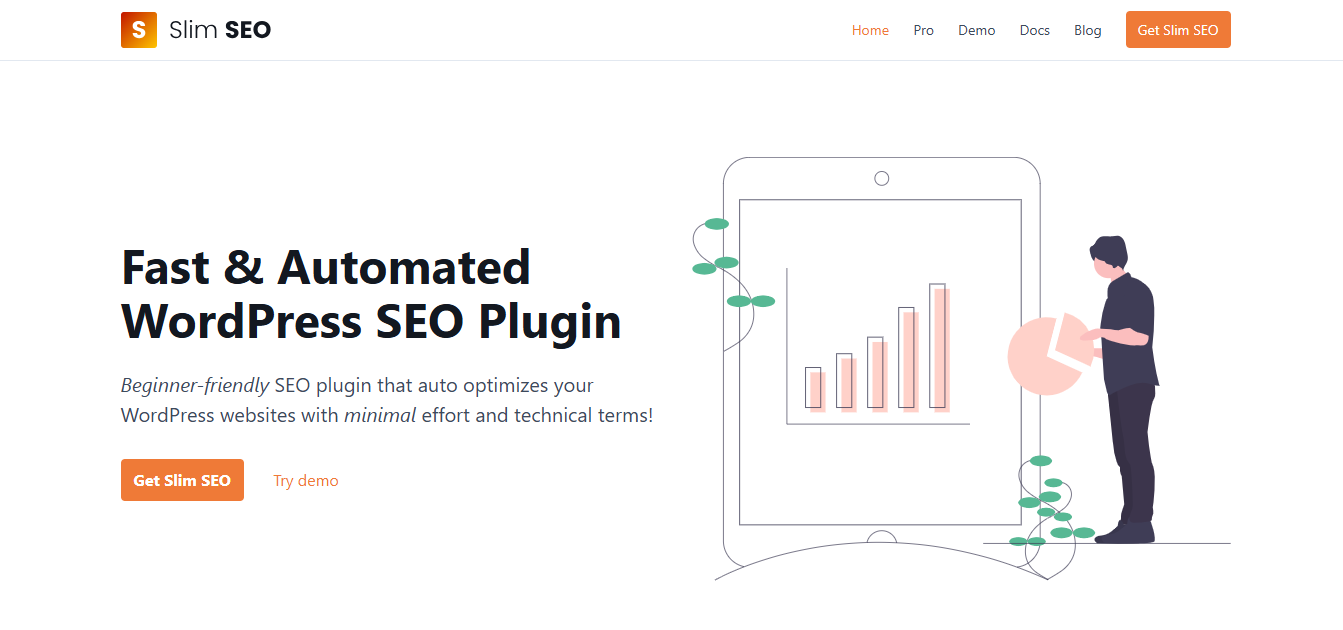
Slim SEO is built for people who want SEO handled and then forgotten, and its 70,000+ active installations suggest a loyal but still niche following. It automatically adds meta tags, schema, an XML sitemap, and breadcrumbs with essentially no configuration, and offers add-ons for redirects and link management when you need them. Install it, and the fundamentals are simply taken care of.
What you give up is control – there are few knobs to turn, which is the whole point, but it also isn’t the plugin for someone who wants to fine-tune every schema field or run detailed on-page analysis. For small sites, that simplicity is a feature, not a shortcoming.
Pros:
- Almost no setup required
- Very lightweight and fast
- Sensible automation of the essentials
- Import support when migrating from other plugins
Cons:
- Little granular control
- Minimal content optimization guidance
- Not suited to users who want dozens of settings
Pricing: Free plan; Pro runs $59/year for a single site (Personal tier), up to $179/year for unlimited sites (Agency tier).
Best for: Small websites and owners who prefer automated, set-and-forget SEO configuration.
7. Squirrly SEO – Best for Content-Focused SEO Guidance
Squirrly approaches SEO from the content side rather than the settings side, though at roughly 30,000 active installations it’s the smallest name on this list. It bundles keyword research, a live SEO assistant that grades your content as you write, audits, and schema into a workflow aimed at helping non-experts actually improve a page – not just fill in metadata fields. If your bottleneck is knowing what to write and how to optimize it, that guidance is the draw.
It’s busier than the lightweight plugins, and some of its guidance is most useful to people actively working on SEO rather than setting up once and leaving it. The full value depends on paid plans, and pricing rises quickly past the entry tier. But as a content-optimization companion inside WordPress, it fills a niche the technical-first plugins don’t.
Pros:
- Strong real-time, content-focused guidance
- Built-in keyword research
- Helps non-experts improve pages, not just tag them
- Goes beyond basic metadata management
Cons:
- Interface is busier than lightweight options
- Most valuable to users actively optimizing content
- Pricing rises fast beyond the entry tier
Pricing: Free plan; Pro starts at $9.99/mo, rising to $51.20/mo and $71.99/mo for higher-volume tiers.
Best for: Bloggers and marketers who want content optimization guidance alongside technical SEO controls.
Quick Comparison: 7 Best WordPress SEO Plugins
Here’s how the seven stack up side by side before we break down each one in detail :
| Plugin | Best For | Key Strength | Active Installs | Indicative Price |
|---|---|---|---|---|
| Rank Math | Feature-rich SEO | Broad SEO functionality | 4M+ | Free; Pro from ~€6.99/mo (discounted rate, billed annually) |
| Yoast SEO | Beginners & content teams | Editorial SEO guidance | 10M+ | Free; Premium ~$119/yr |
| AIOSEO | Business & WooCommerce | Technical + business SEO | 2M+ | Free; paid from $99/yr regular (often ~50% off year one) |
| SEOPress | Agencies & multi-site | Clean, flexible, unlimited sites | 300K+ | Free; Pro $49/yr (1 site) to $149/yr (unlimited) |
| The SEO Framework | Lightweight setups | Minimal, automated config | 200K+ | Free; paid extensions |
| Slim SEO | Hands-off SEO | Automation and simplicity | 70K+ | Free; Pro $59/yr (1 site) to $179/yr (unlimited) |
| Squirrly SEO | Content-focused users | Content optimization guidance | 30K+ | Free; Pro from $9.99/mo |
Prices are indicative, change often, and several plugins run limited-time discounts that renew at a higher rate – verify current pricing and plan limits on each plugin’s own site before deciding.
WordPress SEO Plugin Comparison by Use Case
Rather than crown one universal winner, match the plugin to your situation. Here’s how the seven line up against the most common scenarios.
1. For Beginners
Prioritize a gentle setup, clear explanations, and sensible defaults over raw feature count. Yoast SEO’s guided, teach-as-you-go approach is the classic fit; Slim SEO suits beginners who’d rather not think about SEO at all. Rank Math is capable but its Easy setup mode is worth using – the Advanced mode can overwhelm.
2. For Agencies and Multi-Site
The decisive factors are licensing economics, white-labeling, and standardizing setup across many client sites. SEOPress leads here thanks to its $149/year unlimited-site Pro tier and white-label mode – per-site licensing on other plugins adds up fast across a roster, and even SEOPress’s own per-site tiers ($49 for one site, $59 for five) cost more per site than jumping straight to unlimited once you’re past a handful of clients. Whatever you choose, pick one plugin the whole team configures the same way; consistency across clients is worth more than any single advanced feature.
3. For WooCommerce
Ecommerce SEO isn’t just “does it support WooCommerce.” The real requirements are product schema (including price and availability), clean handling of product variations so you don’t spawn duplicate or thin pages, category and filter/faceted-navigation indexing control so parameter URLs don’t bloat the index, and sensible handling of out-of-stock and discontinued products. AIOSEO and Rank Math have the strongest dedicated WooCommerce features; Yoast covers it via its WooCommerce SEO add-on; SEOPress handles it within Pro. Match the depth to how large and how dynamic your catalog is.
4. For Developers
Prioritize technical control, automation, lean output, and customizability. The SEO Framework is the natural fit – automated, predictable, upsell-free, and light. Slim SEO suits developers building sites for clients who won’t manage SEO themselves.
5. For Bloggers
Content optimization, readability, keyword targeting, and internal linking matter most. Yoast and Squirrly both shine here – Yoast for its editorial guidance and ecosystem, Squirrly for its live content assistant and built-in keyword research.
Free vs. Paid WordPress SEO Plugins
The free versions of these plugins are more capable than newcomers expect. For many sites, free is genuinely enough.
Free versions typically cover: custom titles and meta descriptions, XML sitemaps, basic schema, canonical controls, and basic on-page analysis – the SEO fundamentals.
Premium versions typically add: advanced schema types, redirect management, local SEO, deeper WooCommerce features, internal linking suggestions, AI-assisted metadata, advanced analytics, and multi-site functionality.
The honest guidance: start free unless you already know you need a specific premium feature. The most common reasons to upgrade are wanting built-in redirect management (rather than a separate plugin), needing serious WooCommerce or local SEO, or managing enough sites that a multi-site licence saves money. Pay when a specific need appears – not preemptively. And treat any price quoted here or elsewhere as a moving target, especially where a plugin runs an introductory discount: plans and promotions change.
Do You Need an SEO Plugin for WordPress?
Technically, no – WordPress will run fine without one, and you could manage titles, sitemaps, and schema through code or a scattering of single-purpose plugins. In practice, an SEO plugin makes all of that dramatically easier and keeps it in one place, which is why the vast majority of WordPress sites use one.
The important caveat: you need one SEO plugin, not several. Because these plugins each output metadata, schema, sitemaps, and canonical tags, running two general SEO plugins side by side creates duplicate and conflicting signals rather than doubling your SEO. Pick one and commit to it.
What an SEO Plugin Can and Can’t Do
This distinction gets blurred in a lot of roundups, so it’s worth stating plainly.
What it does: makes it easy to set titles and meta descriptions, generate sitemaps and schema, manage canonicals, robots directives, and redirects, and get on-page guidance – all without code. It removes friction and prevents technical mistakes.
What it doesn’t do: write quality content, earn backlinks, or guarantee rankings. A green on-page score means the plugin’s checklist is satisfied, not that the page deserves to rank. Actual rankings depend on content quality, intent match, site architecture, authority and links, technical health, and competition – most of which live outside any plugin.
Read the score as a useful pre-flight check, then judge the page on whether it genuinely answers the query better than what already ranks. Be skeptical of any tool or guide that attributes specific traffic gains to the plugin itself.
Plugin Conflicts and How to Switch Safely
This is the part most guides skip, and it’s where real damage happens. Two issues matter: avoiding conflicts, and migrating without losing work.
Why two SEO plugins conflict
Each general SEO plugin independently outputs meta tags, schema, an XML sitemap, and canonical tags. Run two at once and you get duplicate title and description tags, duplicated or contradictory schema that can confuse parsers, two competing sitemaps, and conflicting canonicals – plus double the admin overhead.
The result is worse, not better, SEO. The one safe exception is pairing your SEO plugin with a genuinely single-purpose plugin: a caching plugin (WP Rocket or W3 Total Cache), an analytics dashboard (MonsterInsights), or a dedicated redirect manager (Redirection) if you’d rather not use your SEO plugin’s built-in one. That’s complementary, not overlapping. Two general SEO plugins is the combination to avoid.
How to Switch SEO Plugins Without Creating Problems
- Switching plugins is manageable, but it should be treated as a migration rather than a simple deactivate-and-install job.
- Back up the site and database before changing the SEO plugin.
- Check what the existing plugin currently controls: titles, descriptions, schema, canonical URLs, robots directives, redirects, social metadata, and any custom settings.
- Install the new plugin and use its migration/import tools where available. Keep the old plugin active long enough to verify the imported data.
- Check representative pages and templates: homepage, blog post, category, product, author page, and any important custom post types.
- Inspect the rendered HTML or use appropriate validation tools to confirm that the intended title, canonical, robots directives, and structured data are being output.
- Test important redirects, especially URLs that receive external links or organic traffic.
- Only deactivate and remove the old plugin after confirming that the new plugin is producing the intended output.
- Monitor Google Search Console and site logs after the migration for unexpected indexing, crawl, or redirect problems.
Common WordPress SEO Plugin Mistakes
Even the right plugin can be used badly. The recurring mistakes worth avoiding:
- Running two SEO plugins with overlapping functionality
- Leaving default (auto-generated) metadata unchanged on important pages
- Generating unnecessary schema for pages that don’t need it
- Ignoring canonical URLs and creating duplicate-content issues
- Creating redirects you don’t need, or redirect chains
- Letting thin or irrelevant pages stay indexed
- Treating the plugin’s SEO score as a ranking factor
- Assuming a green score means the page is fully optimized
- Optimizing before checking what the search intent actually is
- Switching plugins without planning the migration
How to Choose the Right WordPress SEO Plugin
Work through these questions and the right choice usually becomes obvious:
- Your experience level. Beginner or non-technical? Lean toward guided (Yoast) or automated (Slim SEO). Comfortable with settings? Rank Math or The SEO Framework open up.
- Your website type. Blog, business site, WooCommerce store, publication, or agency site – each points to different strengths (content guidance, WooCommerce depth, multi-site licensing).
- Required features. Just metadata and sitemaps, or advanced schema, redirects, and local SEO? Don’t pay for depth you won’t use.
- Number of websites. One site, or many client sites? Multi-site licensing (SEOPress) can dwarf every other cost consideration.
- Budget. Decide what you actually need beyond the free tier before comparing premium prices – and check whether a quoted price is an introductory discount or the renewal rate.
- Performance requirements. If keeping the dashboard and front end lean is a priority, favor lightweight options and disable modules you don’t use.
- Existing SEO setup. Already on a plugin? Factor in migration tools and compatibility before switching – the cost of moving is real.
Conclusion
There’s no single “best” WordPress SEO plugin – only the best one for your site, your skill level, and your workflow. Matched to the situation:
Rank Math – feature-heavy control in one dashboard.
Yoast SEO – guided content optimization and the most mature ecosystem.
AIOSEO – business and ecommerce SEO, strong on WooCommerce.
SEOPress – agency and multi-site flexibility with unlimited-site licensing.
The SEO Framework – lightweight, automated technical SEO.
Slim SEO – hands-off, set-and-forget configuration.
Squirrly SEO – content-focused optimization guidance.
Pick the one that matches your actual requirement, install only that one, and remember the plugin is there to make good SEO easier to execute – not to do the SEO for you. A plugin can get your on-page fundamentals right – titles, schema, sitemaps, internal structure – but it has no influence over the authority signals that sit outside your site.
That side of SEO still comes down to earning real backlinks and brand mentions from relevant, high-quality websites. This is where a dedicated partner like Outreach Monks fits in: 100% manual outreach, no PBNs or link farms, and placements built to strengthen both traditional rankings and AI-search visibility. Get the plugin right, then let outreach do the part no plugin can.
Frequently Asked Questions
What is an SEO plugin for WordPress?
An SEO plugin is a WordPress tool that helps you manage search-related settings – meta titles and descriptions, XML sitemaps, canonical URLs, schema markup, robots directives, redirects, and on-page guidance – usually without writing any code.
Which is the best SEO plugin for WordPress in 2026?
There's no single plugin that fits every site. Rank Math, Yoast SEO, AIOSEO, SEOPress, The SEO Framework, Slim SEO, and Squirrly SEO all target somewhat different needs – feature depth, editorial guidance, ecommerce, multi-site, lightness, automation, or content help. Match the plugin to your site type and workflow.
Is Rank Math better than Yoast SEO?
They take different approaches. Rank Math offers a broader free feature set and more granular control; Yoast offers gentler guidance and a larger, more mature ecosystem. Compare their free and premium features, interface, schema controls, and content guidance against your own needs rather than relying on feature counts alone.
Is there a free SEO plugin for WordPress?
Yes – Rank Math, Yoast SEO, AIOSEO, SEOPress, The SEO Framework, and Slim SEO all offer free versions, and the free tiers cover the SEO fundamentals for most sites. What's available without paying differs between them.
Can an SEO plugin improve Google rankings?
An SEO plugin makes technical and on-page SEO much easier to implement, but installing one does not automatically improve rankings. Rankings also depend on content quality, search intent, site architecture, links, technical health, and competition – factors that sit largely outside the plugin.
Do I need an SEO plugin for WordPress?
You don't strictly need one, but an SEO plugin simplifies tasks that would otherwise require manual configuration or several separate plugins. For nearly all site owners, using one is the practical choice.
Can I use two SEO plugins on WordPress?
It's best not to run two full SEO plugins that perform the same functions. Overlapping metadata, schema, sitemap, canonical, or redirect output creates conflicts and can harm your SEO. Pairing an SEO plugin with a single-purpose plugin (caching, analytics, a dedicated redirect tool) is fine.
Which WordPress SEO plugin is best for WooCommerce?
Look for strong product schema, ecommerce metadata controls, category optimization, redirects, and genuine WooCommerce compatibility. AIOSEO and Rank Math offer the most dedicated WooCommerce features; Yoast covers it through an add-on; SEOPress handles it within Pro. The exact features depend on their current plans.
Which SEO plugin is best for beginners?
Prioritize a straightforward setup, clear explanations, sensible defaults, and good documentation. Yoast SEO is known for its guided editorial approach; Slim SEO suits beginners who prefer automation over hands-on configuration.
