
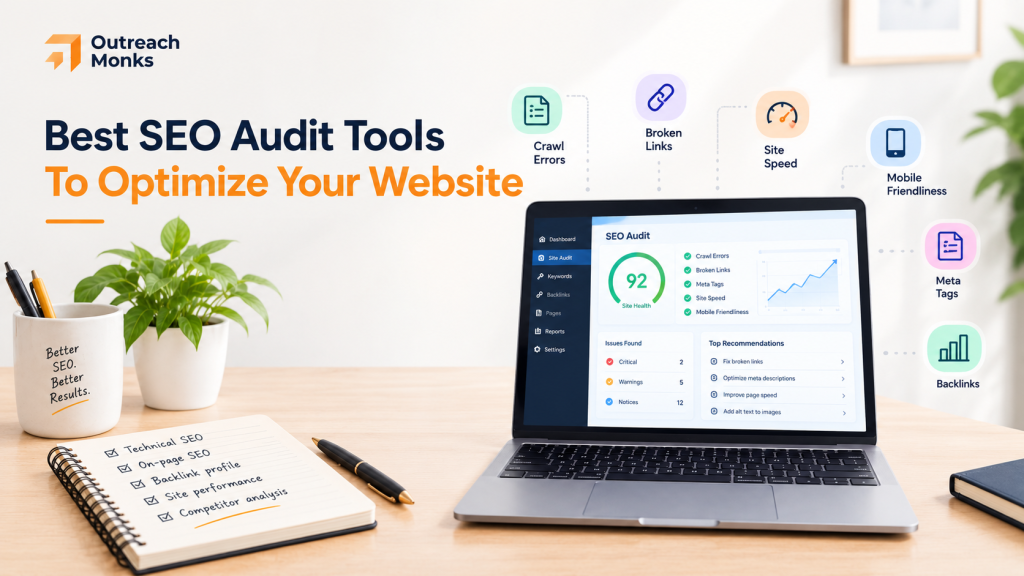
Quick answer: Start with Google Search Console, which is free. Add Screaming Frog for deep crawls, Sitebulb if you need to explain findings to clients, and Semrush or Ahrefs if you want audits inside a bigger SEO suite. Most teams use two or three tools together.
Many SEO problems are invisible on the front end. Broken links, duplicate pages, missing metadata, and orphaned content can sit unnoticed for months.
An audit tool crawls your site and returns a list of problems. It doesn’t fix them, and it can’t promise rankings.
Outreach Monks publishes this post and sells no audit software. Details come from vendor pages and may change. We did not test the tools.
How We Compared
We looked at audit depth, crawling and JavaScript support, indexing checks, reporting, scheduling, ease of use, free access, and price. We care more about how well a tool prioritizes problems than how many it finds.
The Ten at a Glance
1. Semrush Site Audit
Best for: Teams that want audits inside a larger SEO suite
Site Audit groups issues by severity, tracks health over time, and can schedule crawls. It also checks whether AI crawlers can reach your pages.
2. Ahrefs Site Audit

Best for: Technical SEOs who want research data next to the audit
It has free tools for sites you verify as your own. Paid plans add scheduling and larger crawls.
3. Screaming Frog SEO Spider

Best for: Deep technical audits
This desktop crawler finds broken links, redirect chains, canonicals, and duplicate pages. Its reports are functional, not polished.
4. Sitebulb
Best for: Findings you can explain to a client
Desktop Lite audits up to 10,000 URLs and Pro up to 500,000 by default. A 14-day trial of Pro is available with no card.
5. SE Ranking Website Audit
Best for: Agencies and growing sites
Core covers up to 250,000 audited pages a month, and Growth up to 2 million. The trial lasts 14 days with no card.
6. Moz Pro Site Crawl

Best for: Tracking site health over time
Moz suits teams that monitor health regularly instead of running deep one-off crawls. Crawl limits vary by plan.
7. SEOptimer

Best for: Simple audits and white-label reports
It suits small businesses and agencies that need reports clients can read.
8. Sitechecker

Best for: Ongoing monitoring
Premium crawls up to 200,000 pages and covers 50 websites. The page also describes a 48-hour money-back guarantee.
9. Google Search Console

Best for: What Google actually knows about your site
The Page Indexing report explains why URLs aren’t indexed, and URL Inspection checks one page. Every site should use it alongside a crawler. See the difference between Google Analytics and Search Console.
10. Morningscore
Best for: Beginners and small teams
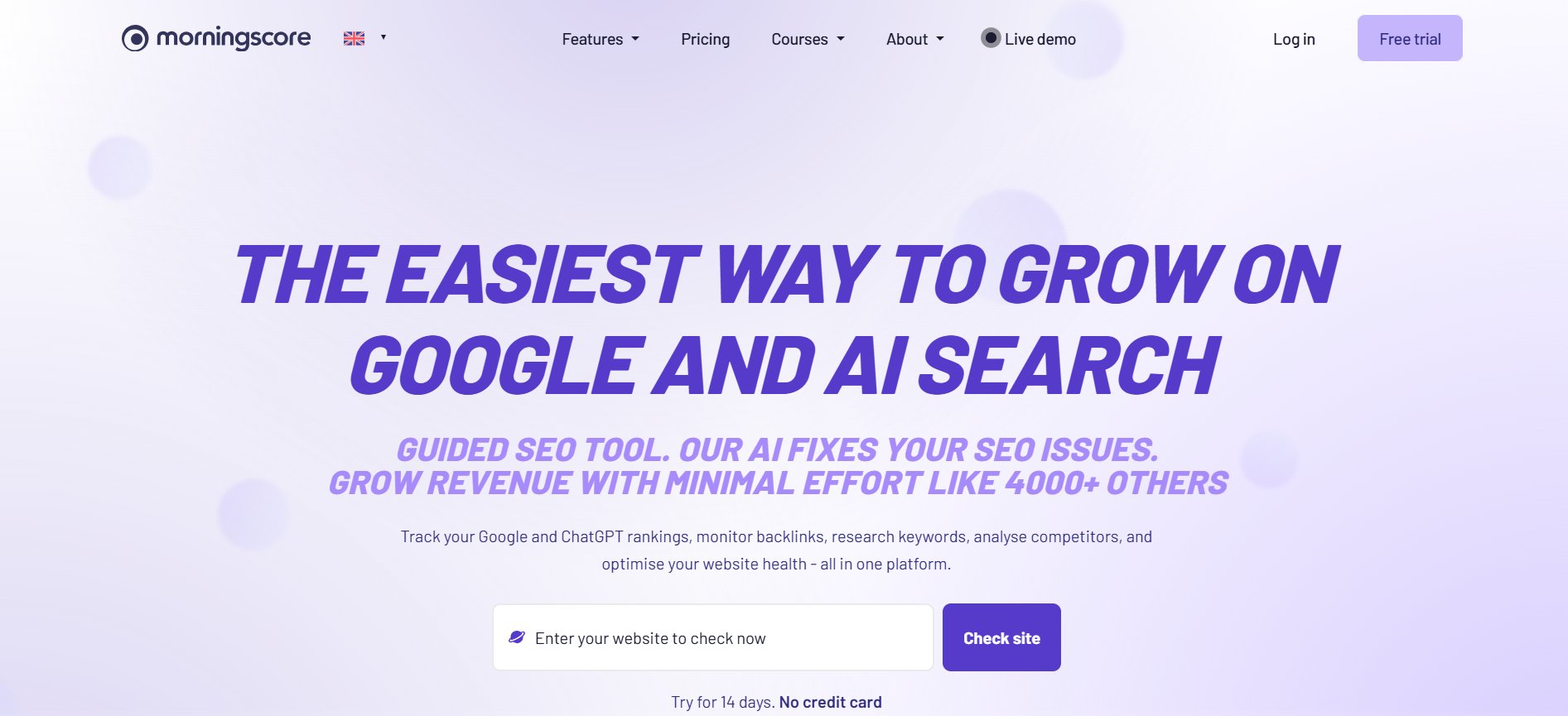
It adds basic keyword and backlink data to its audits. The trial lasts 14 days with no card.
Which Type Do You Need?
These tools work together. A crawler shows what’s on your site, and Search Console shows what Google has indexed.
Free or Paid?
Free tools handle small sites well: Search Console plus a free Screaming Frog crawl covers a lot. Upgrade when you need large crawls, history, scheduling, or client reports. If you’re on a tight budget, see our guide to DIY SEO.
Auditing Online Stores
Large stores have extra risks:
- Filter and parameter URLs can create thousands of near-duplicates. Our WooCommerce SEO tips cover this.
- Product variants need a clear canonical plan. Tools show the problem, but a person decides the fix.
- Discontinued products need redirects or clean 404s.
- Key categories should stay within a few clicks of the homepage.
- A tool built for 5,000 URLs may struggle with 500,000.
How to Read an Audit
- Fix problems that block crawling or indexing first.
- Treat the audit score as a hygiene signal, not a ranking predictor.
- When two tools disagree, check the page yourself.
- Re-crawl after fixes and confirm indexing in Search Console.
AI Crawler Access
Some tools check whether AI crawlers can reach your pages and whether content loads without JavaScript. Access is a prerequisite for appearing in AI answers, not a guarantee. See our AI visibility services for what comes next.
What to Check in an Audit
How to Choose
How Often to Audit
Small, stable sites can audit every few months and after big changes like a redesign or migration. Content-heavy and ecommerce sites benefit from scheduled monthly checks. Large sites should monitor continuously.
Final Thoughts
No single tool does everything. Pick one crawler, add Search Console, and fix the biggest problems first.
An audit finds on-site issues. It doesn’t build authority. For that, you need real backlinks and brand mentions. See our link building packages, brand mentions, and SEO packages.
Frequently Asked Questions
What is an SEO audit tool?
Software that checks your site for technical, on-page, and indexing problems and ranks the fixes.
What is the best free SEO audit tool?
Google Search Console for indexing data, and Screaming Frog's free tier for crawls up to 500 URLs.
Screaming Frog or Semrush?
Screaming Frog is a dedicated crawler. Semrush is a wider platform. Many teams use both.
Is Ahrefs good for technical audits?
Yes. It covers indexability, redirects, and performance, with backlink and keyword data nearby.
Can an audit tool improve my rankings?
Not alone. It finds problems. Fixes, content, and authority drive results.
Can tools find indexing problems?
They flag signals, but Search Console is the most reliable source for Google's indexing status.
Do tools check Core Web Vitals?
Many do, but data sources vary.
How often should I run an audit?
It depends on how fast your site changes. Fast-changing sites need continuous monitoring.
Can tools help with AI search?
Some check AI crawler access. That is necessary but doesn't guarantee citation.
