
Quick answer: Use Ahrefs to find dead pages that still have backlinks, Check My Links for a quick check of one page, and Screaming Frog to crawl a whole site. Semrush works if you already pay for it. The other three are free or low-cost extras.
Broken link building works like this. You find a dead link on someone’s site, tell them, and offer your page as a working replacement.
The tools below do three different jobs: spot dead links while you browse, find dead pages that still have backlinks, and clean up broken links on your own site. No single tool does all three, so the list is mixed.
*This is our assessment based on published product information, not a test. Prices and free limits change often.*
The Seven at a Glance
| Tool | Best for | Price |
|---|---|---|
| 1. Ahrefs | Dead pages with backlinks | From $129/month |
| 2. Check My Links | Instant single-page checks | Free (Chrome extension) |
| 3. Screaming Frog | Full site crawls | Free to 500 URLs; €245/year |
| 4. Semrush | Broken link data inside a wider SEO suite | From about $139.95/month |
| 5. Dead Link Checker | Scheduled monitoring | Free checks; paid plans from $9.95/month |
| 6. Broken Link Check | Quick scan with no login | Free |
| 7. W3C Link Checker | A neutral second opinion | Free |
1. Ahrefs

Best for: Finding dead pages that still have backlinks
| Snapshot | Details |
|---|---|
| Price | Lite $129/month; Standard $249; Advanced $449; Enterprise $1,499 |
| Strongest point | Shows which dead pages have the most linking sites |
| Watch out for | Its data is a snapshot, so verify each page by hand |
Filter the “Best by links” report by 404 status to rank dead pages by referring sites. It also flags broken backlinks pointing at your own domain.
Some pages it reports as broken may be down temporarily, blocked by location, or blocking crawlers. Check each one before you write to anyone. There is a free version for sites you verify as your own.
2. Check My Links

Best for: A ten-second check of one page
| Snapshot | Details |
|---|---|
| Price | Free |
| Strongest point | Marks links valid, broken, or redirected right on the page |
| Watch out for | One page at a time; no backlink data or history |
Many link builders keep it open while they browse resource pages. It won’t tell you whether a dead link is worth chasing. Check that the extension is still maintained and review its permissions before installing.
3. Screaming Frog SEO Spider
Best for: Full site sweeps
| Snapshot | Details |
|---|---|
| Price | Free up to 500 URLs; €245 per licence per year |
| Strongest point | Fast bulk discovery of dead outbound links |
| Watch out for | Uses your computer’s memory; has a learning curve |
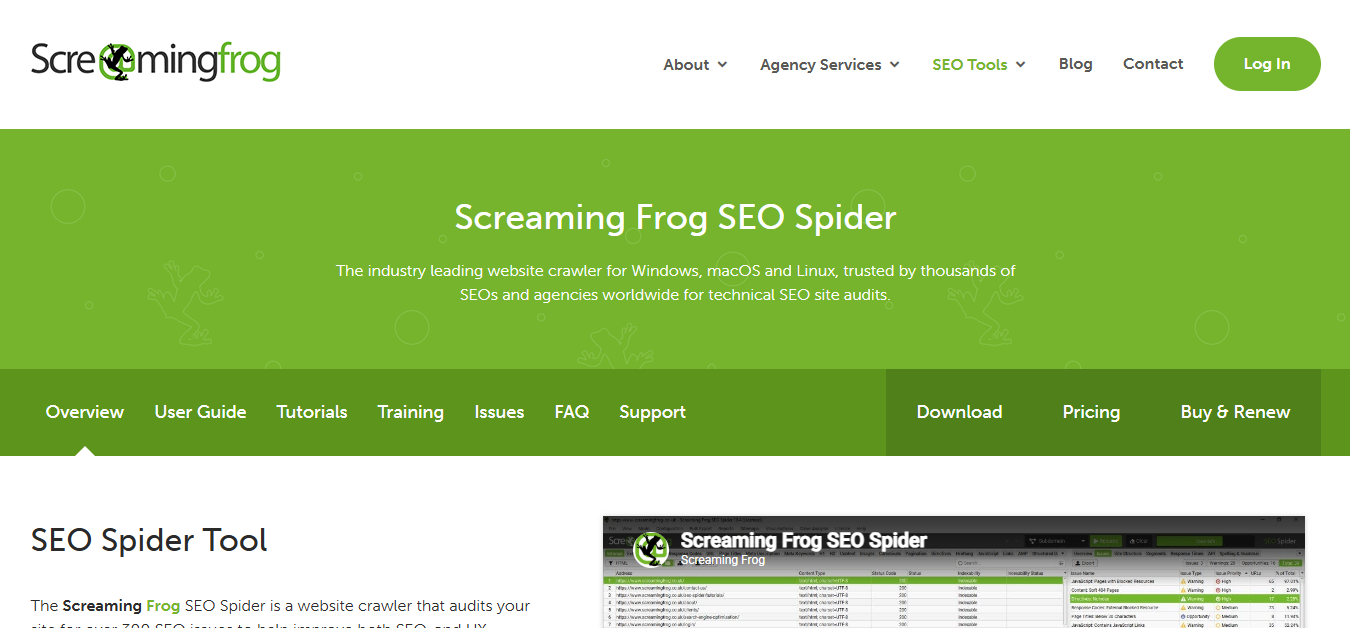
Screaming Frog lists broken internal and outbound links, and it finds orphan pages and crawl budget problems. Point it at a large resource page to pull every dead outbound link in one go. It has no backlink data.
4. Semrush
Best for: Teams that already use Semrush
| Snapshot | Details |
|---|---|
| Price | Pro about $139.95/month; Guru about $249.95; Business about $499.95 (third-party figures) |
| Strongest point | Site Audit flags 4xx errors by severity; Backlink Analytics shows broken backlinks |
| Watch out for | Costly if broken links are your only need |
It is less direct than Ahrefs for ranking dead pages by link count, but the fixes sit next to your other SEO reports.
5. Dead Link Checker
Best for: Hands-off monitoring
| Snapshot | Details |
|---|---|
| Price | Free checks capped at 2,000 links; paid plans from $9.95/month |
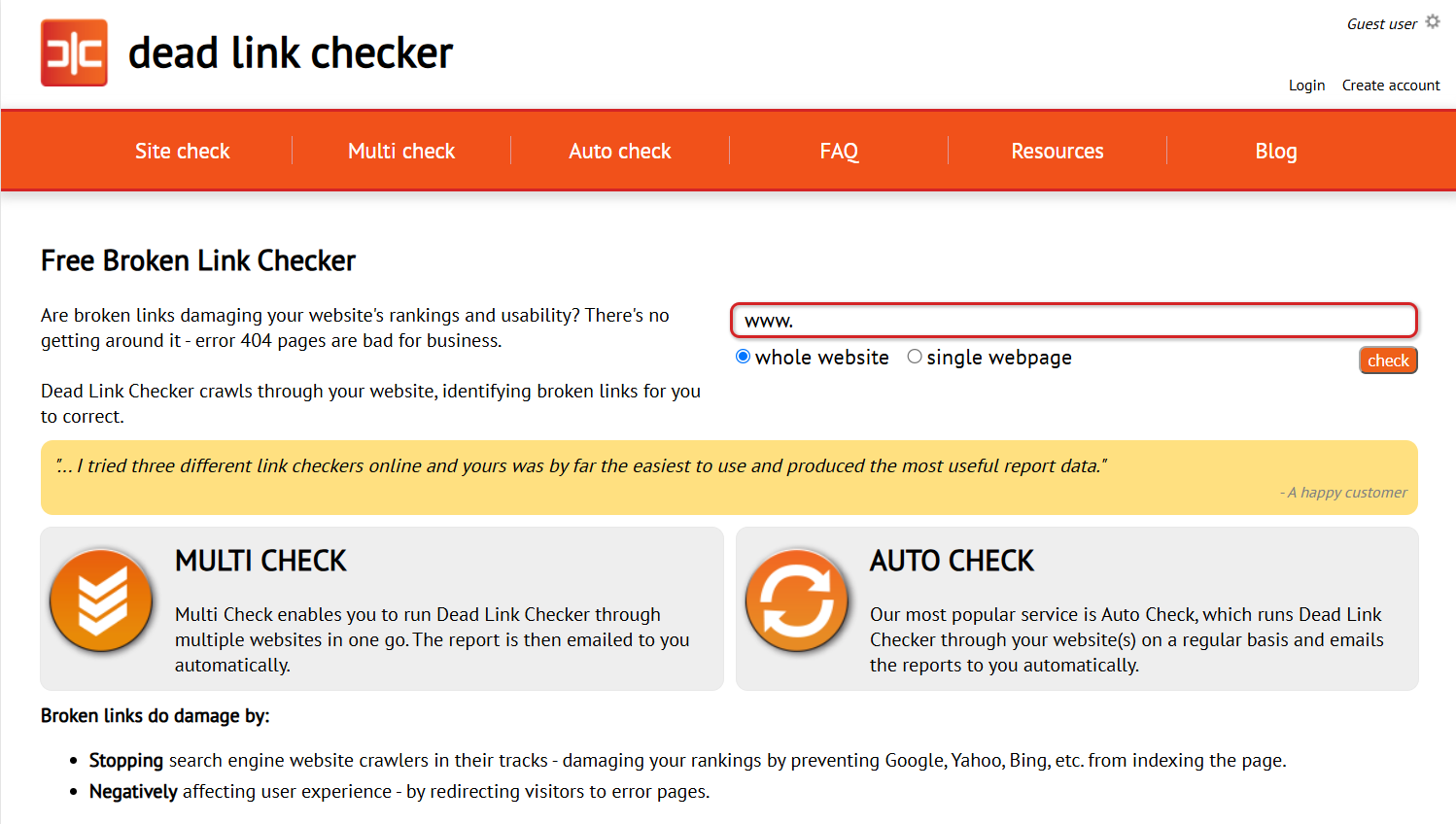
| Strongest point | Scheduled scans (daily, weekly, or monthly) with emailed reports |
| Watch out for | No backlink data; scheduling is paid |
Paid plans start with Standard at $9.95 a month for up to 5 websites and 50,000 links a month. It suits sites that change often.
6. Broken Link Check
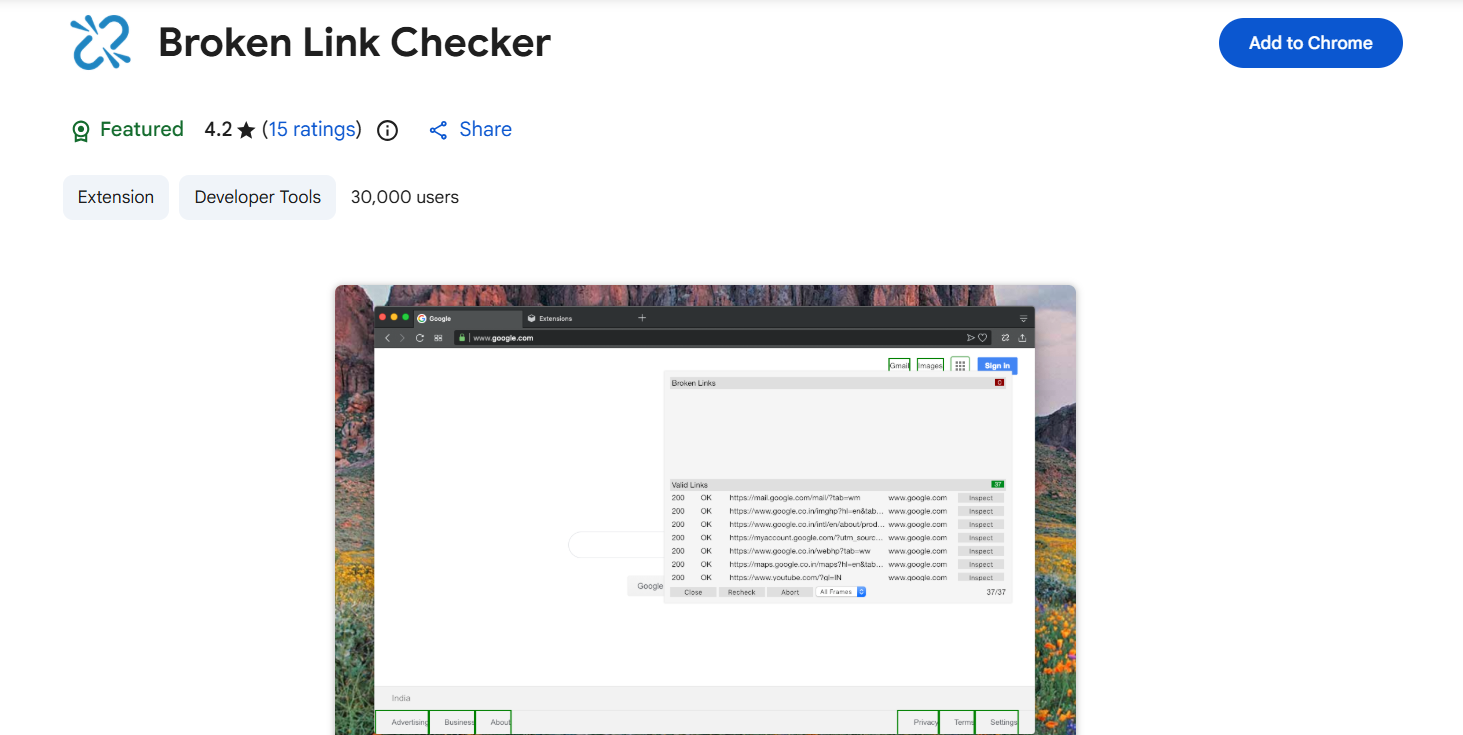
Best for: A quick scan with no account
| Snapshot | Details |
|---|---|
| Price | Free; a paid commercial version also exists |
| Strongest point | No sign-up; shows the HTTP code and where the link sits in the HTML |
| Watch out for | The free version is capped at 3,000 pages; scheduling is paid |
Developers can use the location details to fix links fast. It has no backlink data.
7. W3C Link Checker
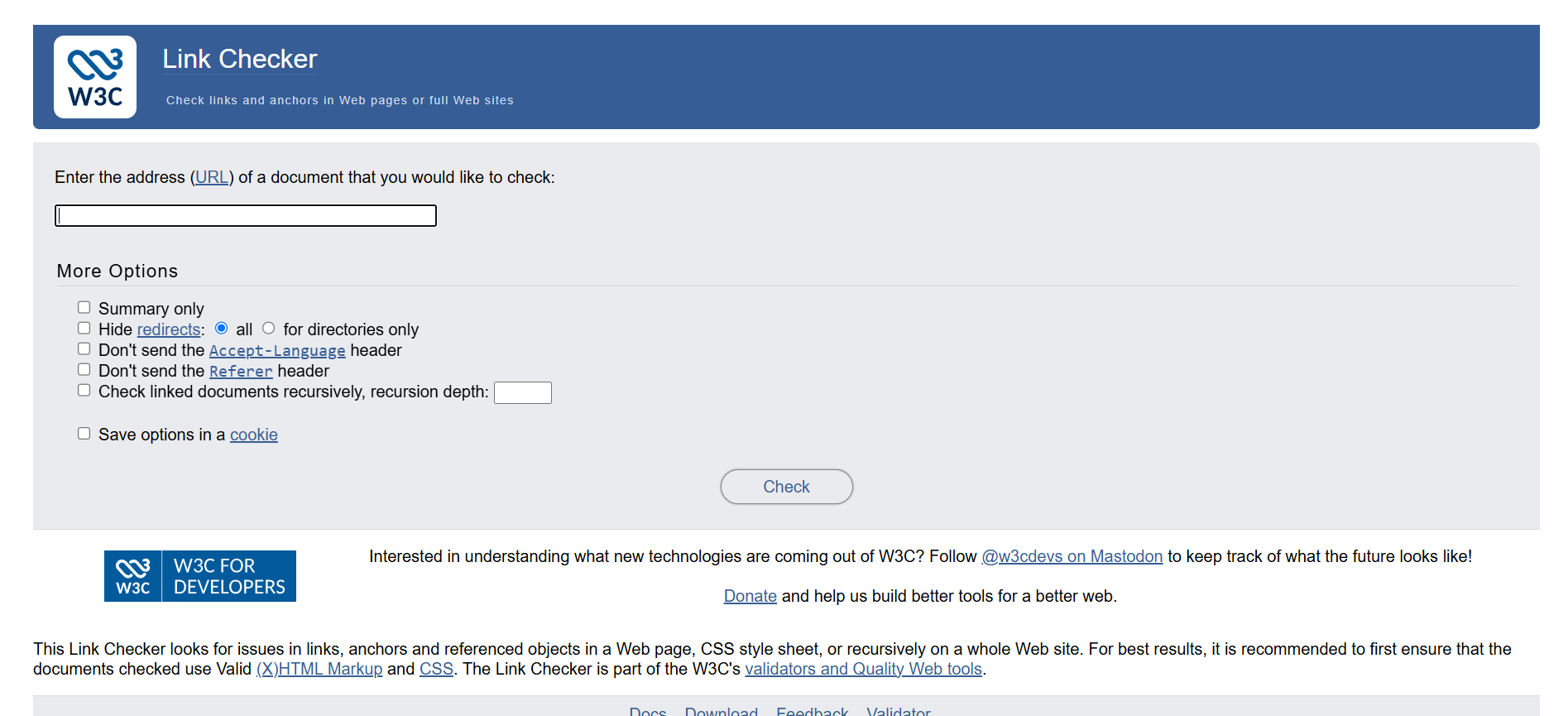
Best for: A neutral technical check
| Snapshot | Details |
|---|---|
| Price | Free |
| Strongest point | Plain results with no scoring or upsell |
| Watch out for | Online version limits recursion; waits at least a second between requests |
It checks links and anchors and warns about redirects. Use it as a second opinion.
How to Find and Fix Broken Links on Your Site
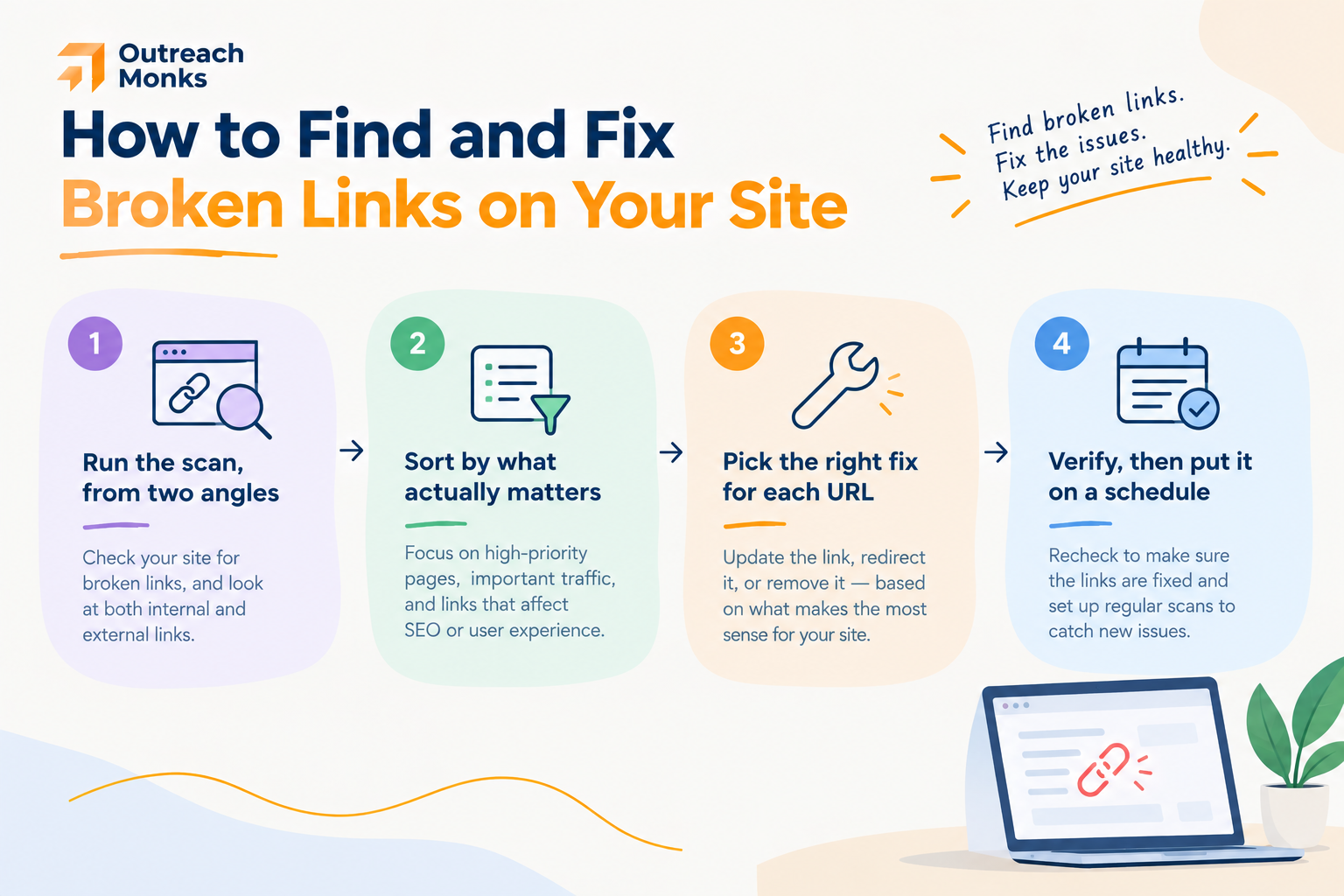
- Scan from two angles. Check the Pages report in Google Search Console for URLs Google couldn’t find. Then run a crawler to catch broken internal links and outbound links.
- Sort by importance. Fix dead pages with backlinks first. Pages with no links and no visits can wait.
- Pick the right fix. Use the table below.
- Verify and repeat. Re-crawl to confirm fixes and watch for redirect chains. Check monthly on active sites and quarterly on stable ones.
| Situation | Fix | Why |
|---|---|---|
| A real replacement exists | 301 redirect | Passes authority and keeps visitors moving |
| Page deleted by mistake | Restore the URL | Cleanest option |
| Page gone, no equivalent | Leave a clean 404 | An honest 404 is fine |
| Link points to a dead outside site | Update or remove it | You can only fix your own page |
| Old URL has backlinks, no replacement | Redirect to the closest relevant page | Recovers authority |
Google says to “use permanent redirects when you’re sure that the redirect won’t be reverted.” See its guide to redirects. Don’t send everything to the homepage, because irrelevant redirects can be treated as soft 404s.
Does Google Penalize Broken Links?
Not directly. The harm is indirect: wasted link authority, visitors leaving after a 404, and crawl budget spent on dead URLs. Broken links are one form of link decay, so fixing them protects the links you’ve already earned. It also covers part of the on-page and off-page SEO picture.
Free or Paid?
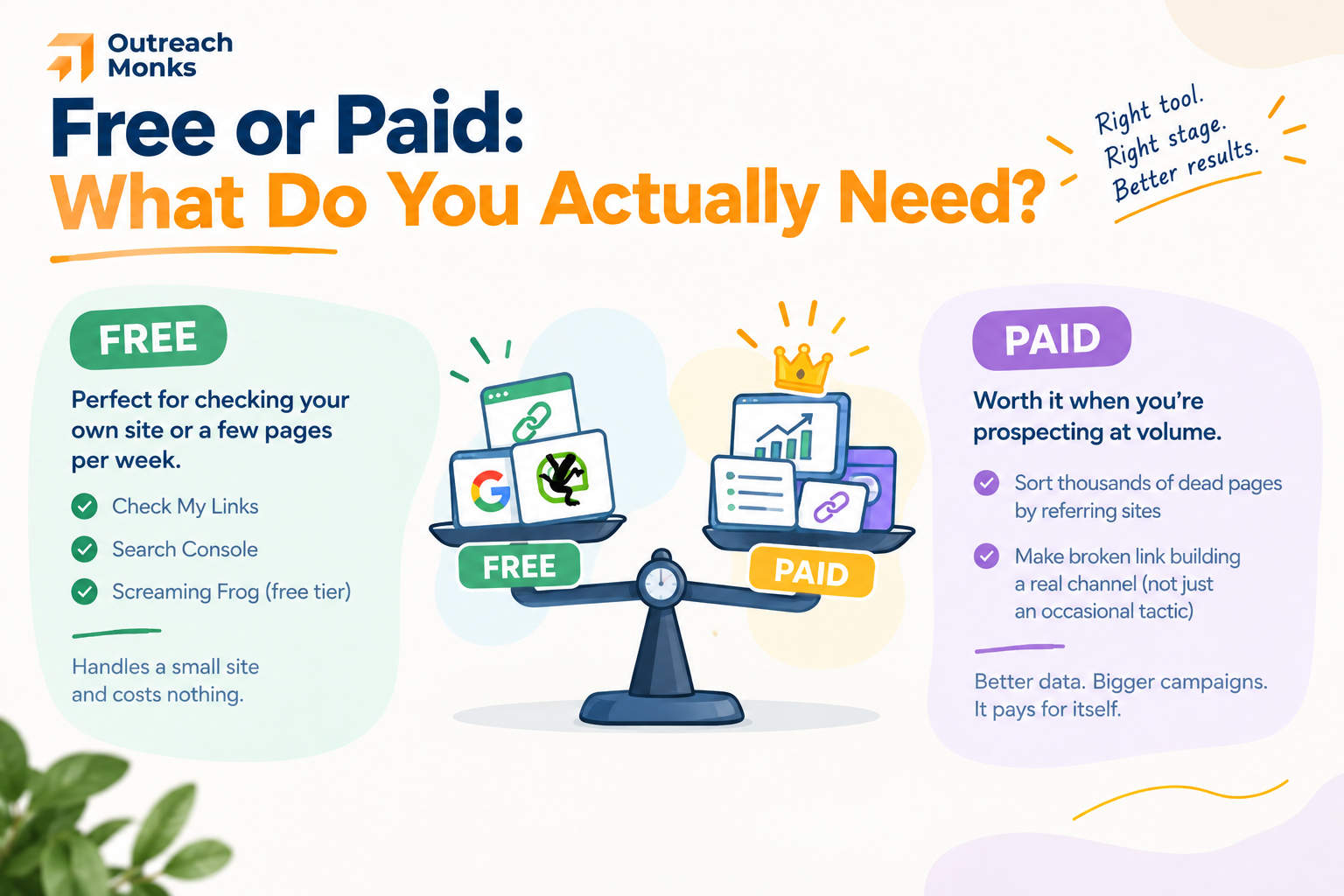
- Free stack: Check My Links, Search Console, and Screaming Frog’s free tier cover occasional checks on a small site, especially if you’re doing SEO yourself.
- Paid tools: Worth it when you prospect at volume and need backlink data to sort dead pages by linking sites.
Final Thoughts
Use Ahrefs or Semrush, plus a free extension, to prospect on other sites. Use Screaming Frog and Search Console for your own.
The outreach email is where campaigns are won, so write each one to a real person. If you’d rather hand it off, see our link building services and case studies, or learn how we run blogger outreach.
Frequently Asked Questions
What is broken link building, and does it still work?
You offer your content as a replacement for a dead link. It still works, but finding good prospects is slow.
What is the best free broken link checker?
Check My Links for single pages, Screaming Frog's free tier (500 URLs) for crawls, and Search Console for your own site.
How do I find broken links on other sites?
Use Check My Links on resource pages, Screaming Frog for bulk outbound crawls, or Ahrefs for dead pages with backlinks.
Can Ahrefs or Semrush find broken links?
Yes. Ahrefs filters 404 pages by linking sites. Semrush flags 4xx errors and broken backlinks.
How do I fix broken links on my own site?
Find them in Search Console and a crawler. Then redirect, restore, or let them 404.
Is it worth the time?
It depends on your niche. It works best where old resource pages and roundups exist, and replies are often better than to cold guest post pitches.
How should I write the outreach email?
Keep it short. Name the broken page and link, offer your replacement briefly, and skip flattery.

