
Broken link building is the one outreach tactic where you are genuinely doing the other person a favour. You spot a dead link on their page, tell them about it, and offer something that works in its place. No begging, no bribes, just a fix they actually want. The seven tools below cover three different jobs: spotting dead links fast while you browse, finding dead pages that still have backlinks worth chasing, and cleaning up the broken links on your own site. No single tool does all three, which is exactly why this list is mixed.
Short on time? Ahrefs for finding dead pages that still hold backlinks. Check My Links for a ten second page check. Screaming Frog for a full site crawl. Semrush if you already pay for it. Dead Link Checker for scheduled monitoring. Broken Link Check for a quick no login scan. W3C Link Checker for a free, neutral technical check.
The 7 Best Broken Link Building Tools
Each entry tells you what the tool is, what it costs, the job it actually does well, and the honest limitation nobody mentions in the sales copy.
1. Ahrefs: The Prospecting Engine
This is the tool that turns broken link building from a hobby into something you can actually scale, because it answers the one question free checkers cannot: does this dead page still have links pointing at it? A 404 with no backlinks is worthless to you. A 404 with sixty referring domains is a prospect list.
The workflow is quick once you know it. Drop a competitor or a big resource site into Site Explorer, open the Best by Links report, and filter by 404 status. You get dead pages ranked by how many sites still link to them. From there you can pull the full list of linking domains and work straight down it. Ahrefs also flags broken backlinks pointing at your own domain, which is the fastest link decay cleanup you will ever do.
Heads up: the index is a snapshot, not live. Some pages it reports as broken are temporarily down, geo blocked, or simply refusing to let a crawler in. Always open the URL yourself before you pitch anyone, because nothing kills a cold email faster than telling someone a working link is broken.
Use it when: you’re triaging a large site and need to sort broken pages by how much backlink value is riding on each one.
2. Check My Links: The Ten Second Page Check

You are looking at a resource page that would be a perfect place for your content. You want to know, right now, whether any of its links are dead. Click the extension, wait a few seconds, and every link on the page turns green or red. That is the whole product, and it is genuinely useful.
For manual prospecting this beats any dashboard. You browse the kind of pages you want to be on, check each one in seconds, and move on. It is the tool most link builders actually keep open all day.
Heads up: it only checks the page you are standing on. No crawling, no backlink data, no history. It also will not tell you whether the dead link is worth your time. And because browser extensions change hands and lose maintenance, check that the version you install is still actively supported and look at what permissions it asks for.
Use it when: you are hand vetting resource pages and want an instant answer without leaving the tab.
3. Screaming Frog SEO Spider: The Full Site Sweep
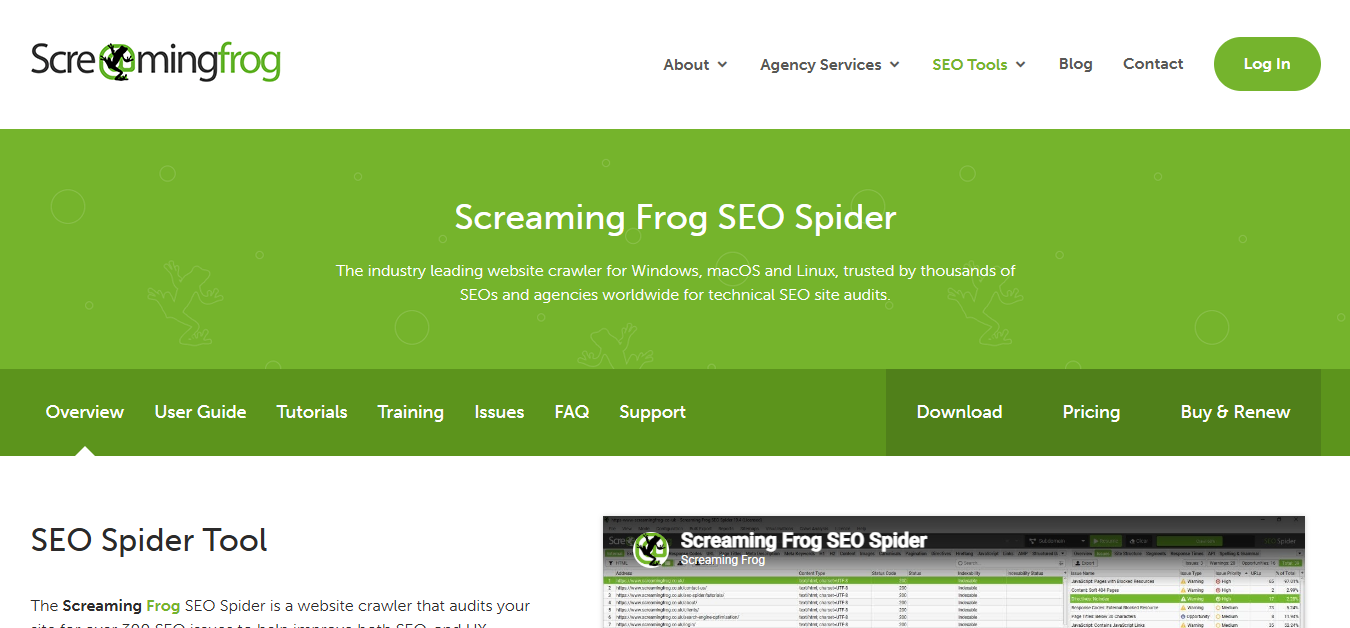
Screaming Frog crawls an entire website and hands you every broken link it finds, internal and outbound, in one sortable list. For auditing your own site this is the standard, and the free version covers 500 URLs, which is plenty for a small business site. It is also the quickest way to spot orphan pages and the kind of internal link mess that quietly wastes crawl budget.
For prospecting, it has a second use that most guides miss. Point it at a huge resource or directory site and crawl the outbound links. You will surface dozens of dead external links in a single pass, which is far faster than checking pages one at a time by hand.
Heads up: it is a desktop application, so big crawls are limited by your own machine’s memory, and the interface takes a session or two to learn. It also knows nothing about backlinks, so it will tell you a link is dead but never whether anyone still links to it.
Use it when: you are auditing your own site, or sweeping one large site for dead outbound links in bulk.
4. Semrush: The One You Might Already Own
If Semrush is already in your stack, you have most of what you need without buying anything else. Site Audit flags every 4xx error on your own site and sorts them by severity, while Backlink Analytics surfaces broken backlinks, meaning links from other sites pointing at pages of yours that no longer exist. Those are pure recovered authority sitting there waiting for a redirect.
It also plugs broken link work into the rest of your reporting, so the fixes show up in the same dashboards as everything else rather than living in a separate spreadsheet.
Heads up: this is a broad platform, not a broken link specialist. If dead link hunting is genuinely the only thing you need, you are paying a lot of subscription for one report. The prospecting side is also less direct than Ahrefs for filtering dead pages by link count.
Use it when: you already subscribe and want broken link data living alongside your other SEO work.
5. Dead Link Checker: The Scheduled Watchdog
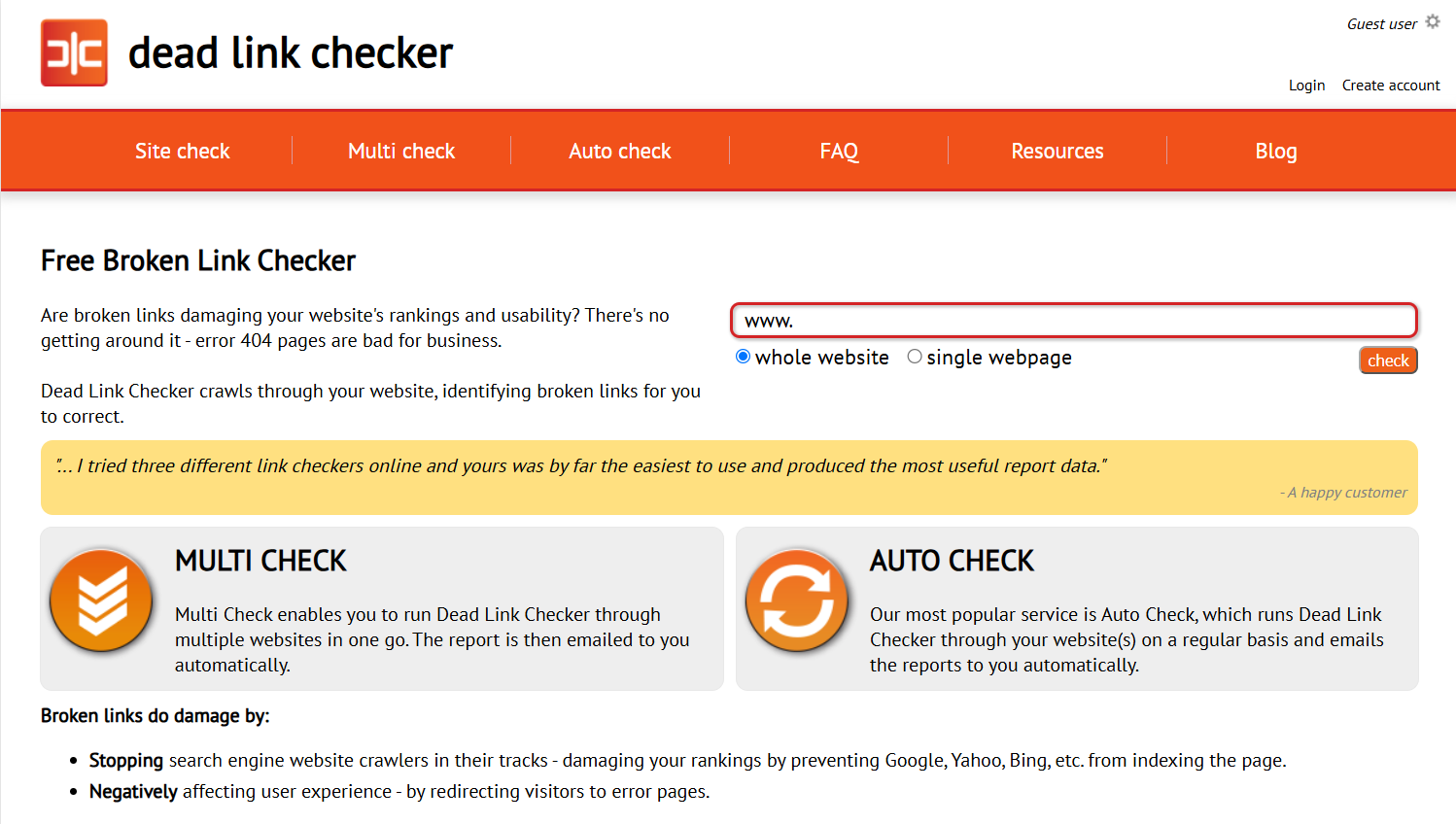
Most broken link tools answer the question once. This one keeps answering it. You run a crawl from the browser with nothing to install, and the auto check feature will re run it on a schedule and email you whenever something breaks. For a site that changes often, that beats remembering to audit it every quarter.
The free crawl is perfectly adequate for small and mid sized sites, and the output is clean enough to hand to a developer without translation.
Heads up: free crawls have page caps and can be slow on bigger sites, and like every crawler here it has no backlink data at all. Scheduled monitoring sits behind the paid tier.
Use it when: you want ongoing, hands off monitoring of your own site without paying for a full SEO suite.
6. Broken Link Checker: The No Login Quick Scan
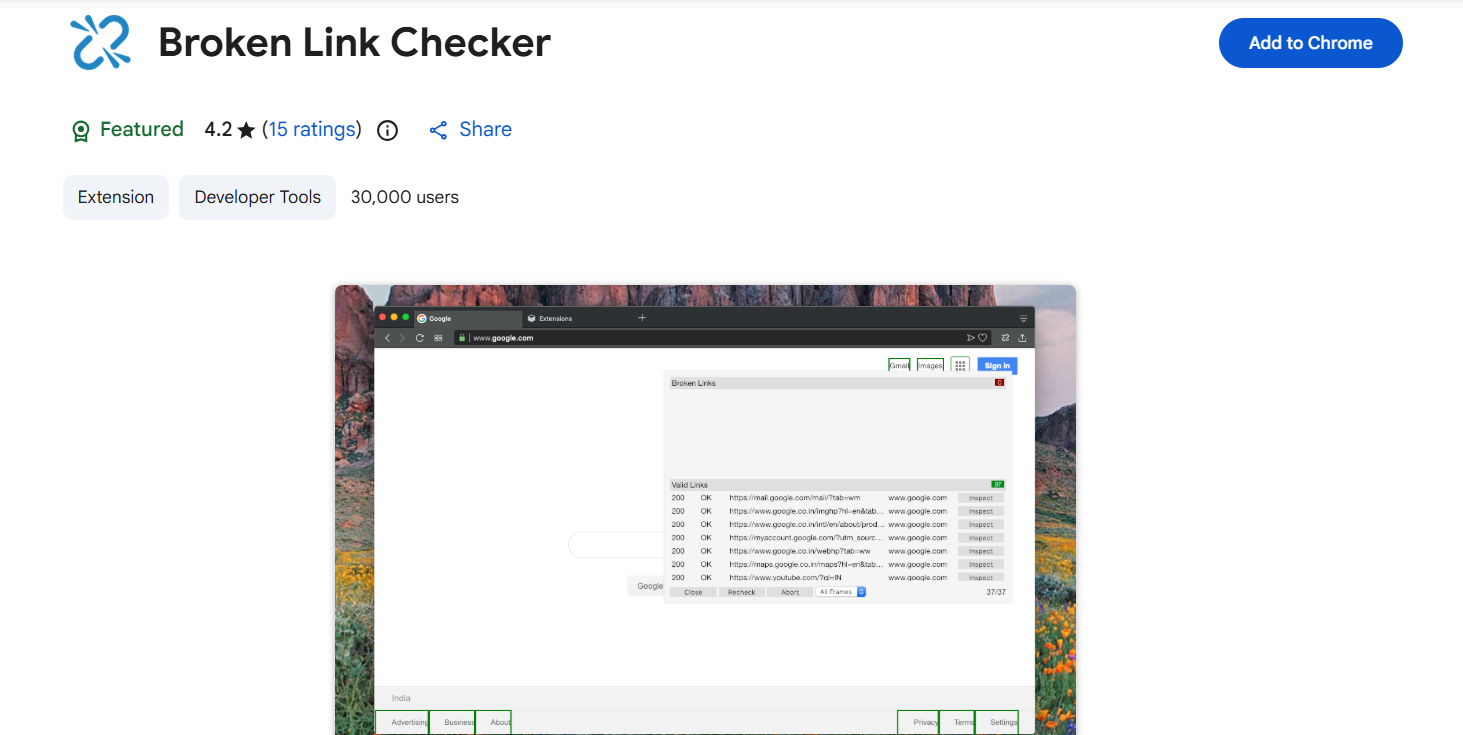
Paste in a URL, run the scan, read the report. No account, no install, no onboarding. What makes it more useful than it first looks is that it shows you where in the page’s HTML each broken link actually sits, which saves a developer a hunt when it comes time to fix things.
It is also handy for checking a site you do not own, since there is nothing to verify and no ownership required.
Heads up: the free scan caps how many pages it will check, there is no scheduling, and there is no backlink data. Treat it as a spot check rather than a monitoring system.
Use it when: you need a fast, one off look at a site and cannot be bothered signing up for anything.
7. W3C Link Checker: The Free Technical Fallback
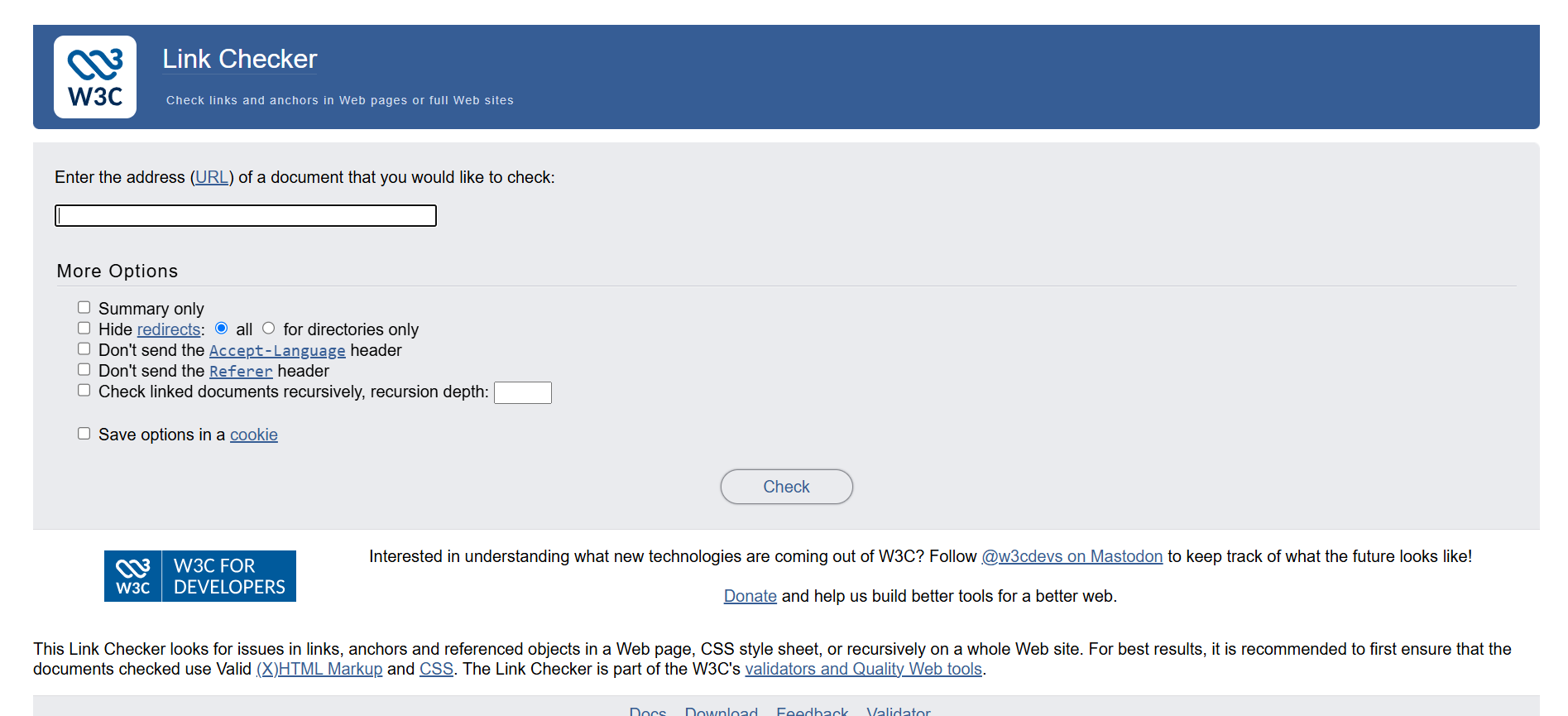
Run by the World Wide Web Consortium, this is the plainest tool on the list and arguably the most trustworthy, because nobody is trying to upsell you. It checks the links on a page or site and reports exactly what it finds, with no scoring, no dashboard and no marketing layer on top.
Developers tend to reach for it more than marketers, and it is a sensible neutral check when you want a second opinion on what another tool has told you.
Heads up: the interface feels like it was built in another era, it is slow, the output is verbose, and it handles JavaScript heavy sites poorly. You will do some reading to extract the useful parts.
Use it when: you want a free, no signup, no agenda technical check.
Quick Comparison of the Shortlisted Tools
Here’s how the seven stack up side by side, so you can match the right tool to your budget and workflow before reading the breakdowns below.
| Tool | Best For | Free or Paid | Indicative Price |
|---|---|---|---|
| Ahrefs | Finding dead pages that still have backlinks | Paid | From ~$129/mo |
| Check My Links | Instant single page checks while browsing | Free | Free |
| Screaming Frog | Full site crawls, yours or a large resource site | Both | $279/yr, free to 500 URLs |
| Semrush | Broken link data inside a wider SEO workflow | Paid | From ~$139/mo |
| Dead Link Checker | Scheduled monitoring of your own site | Both | Free, paid monitoring |
| Broken Link Check | Quick one off scan with no signup | Free | Free |
| W3C Link Checker | Neutral, no frills technical check | Free | Free |
Pricing and free-tier limits change often, so confirm current numbers on the vendor’s site before relying on them.
How to Find and Fix Broken Links on Your Site
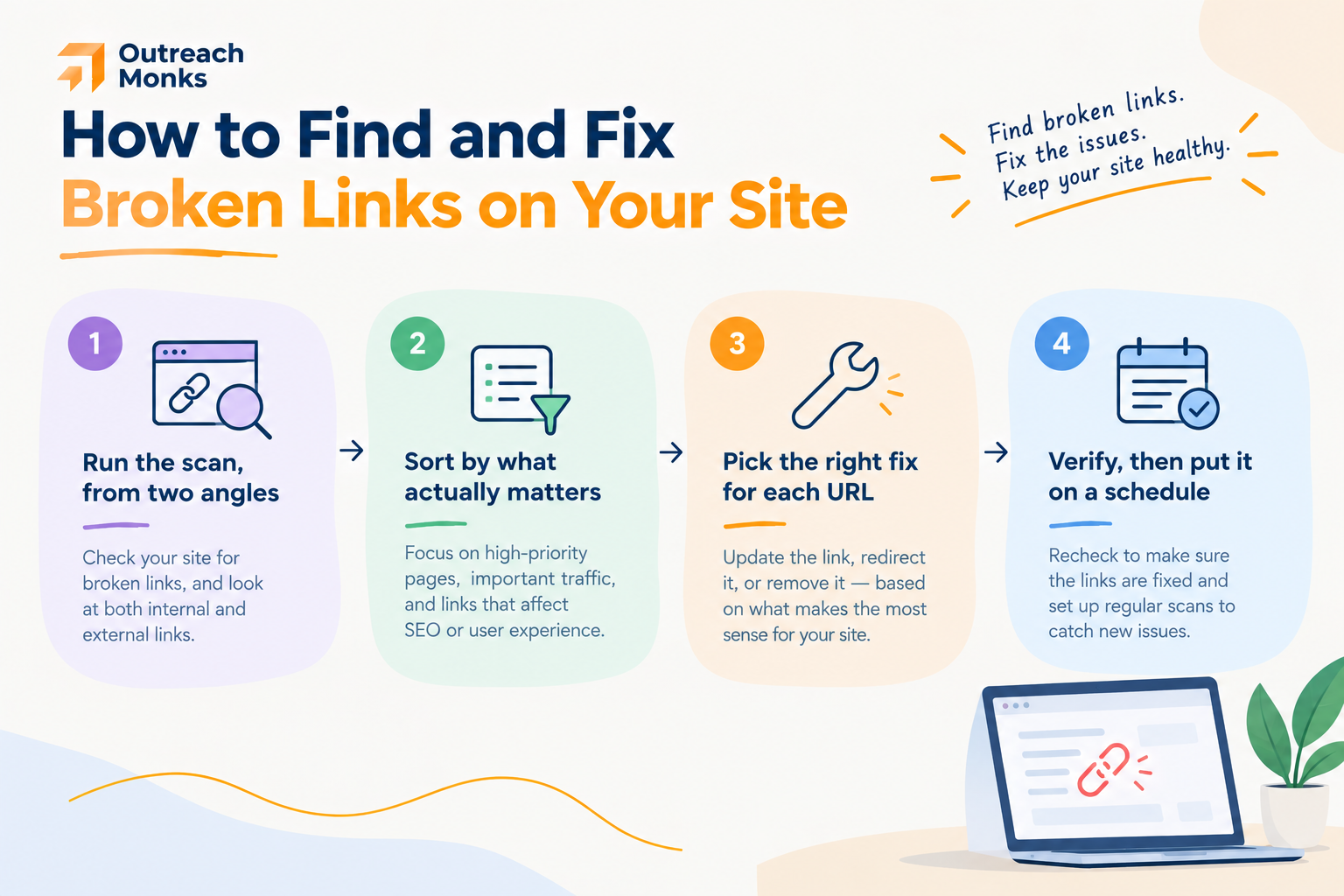
Here is the part most tool roundups skip entirely, which is strange, because running the scan is only step one of four. Finding the dead links is easy. Deciding what to do with each one is the actual work.
- Run the scan, from two angles. Start in Google Search Console, where the Pages report lists the URLs Google tried to crawl and could not find. Then run a crawler over the site, because Search Console only shows you what Google found. A crawl catches broken outbound links and broken internal links that would otherwise stay invisible.
- Sort by what actually matters. This is the step almost everyone misses. Not every 404 deserves your time. A dead page that still has external links pointing at it is losing you real authority right now, so that one gets fixed today. A dead page nobody has ever linked to and nobody visits can wait, or can stay dead. Run your broken URLs through a backlink tool and fix in that order.
- Pick the right fix for each URL. Every broken link falls into one of three buckets, and choosing wrong is worse than doing nothing. Redirect it, restore it, or let it go. The table below covers which is which.
- Verify, then put it on a schedule. Re-crawl after the changes to confirm the fixes actually took, because a redirect pointing at another redirect is a common and quiet failure. Then set a recurring check, monthly for an active site, quarterly for a stable one. Links break continuously as other sites reorganise, so this is maintenance, not a one-off project.
Choosing the Right Fix for Each Situation
| The Situation | The Fix | Why |
|---|---|---|
| A genuine replacement page exists | 301 redirect to it | Passes the authority on and keeps visitors moving |
| Page was deleted by mistake | Restore the original URL | Cleanest option, nothing is lost |
| Page is gone with no equivalent | Let it return a clean 404 | A truthful 404 is a valid answer, not a failure |
| Broken link points out to a dead external site | Update or remove the link | You cannot fix their site, only your page |
| Old URL has backlinks but no replacement | Redirect to the closest relevant page | Recovers the authority rather than wasting it |
This maintenance work is what stops link decay quietly eating the authority you have already paid for. The links you earned three years ago only keep working if the pages they point at still exist.
One myth worth correcting
You will read plenty of articles claiming Google penalises sites for broken links. That is not accurate, and it is worth knowing the difference. Broken links are not a direct ranking penalty. They hurt in three indirect ways instead: inbound links pointing at your dead pages waste the authority those links carry, visitors who hit a 404 tend to leave, and crawlers burn budget on URLs that go nowhere. Those are real problems, which is reason enough to fix them. You just do not need to panic about an algorithmic punishment that does not exist. If you want the wider context on how this fits together, our explainer on on page and off page SEO covers where link signals sit in the overall picture.
Free or Paid: What Do You Actually Need?
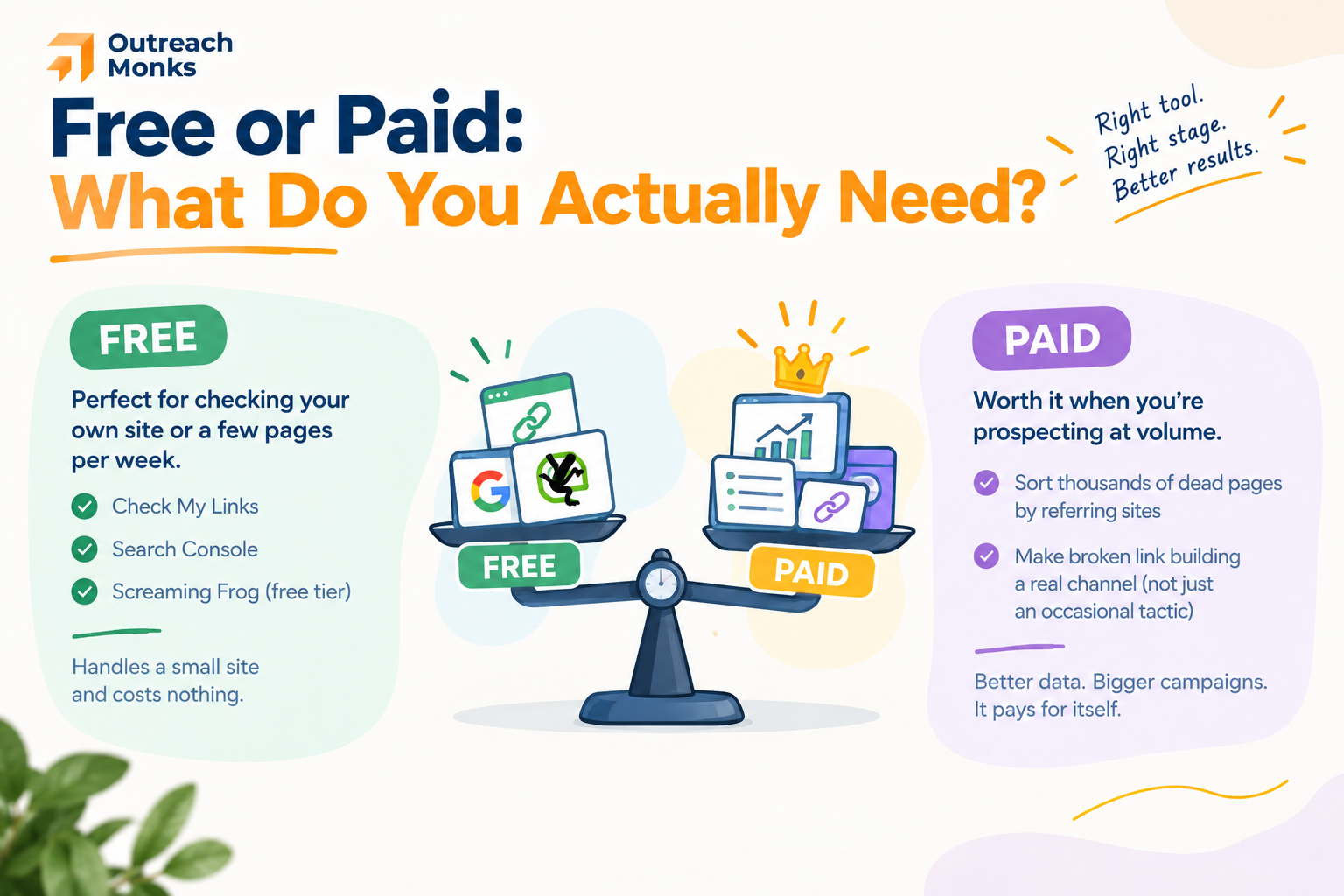
If you are checking your own site occasionally, or hand vetting a handful of pages a week, the free tools genuinely cover it. Check My Links plus Search Console plus the free tier of Screaming Frog will handle a small site completely, and that combination costs nothing. Our guide to doing SEO yourself leans on exactly this kind of stack.
Paid tools earn their money the moment you start prospecting at volume, because that is when the backlink data becomes the whole point. Being able to sort a thousand dead pages by how many sites still link to them is the difference between a campaign and a wild goose chase. If broken link building is a real channel for you rather than an occasional tactic, a backlink tool pays for itself quickly.
The Bottom Line
There is no single best broken link building tool, because the list is really answering two different questions. If you are hunting for opportunities on other people’s sites, you need backlink data, which means Ahrefs or Semrush, with a free extension for quick manual checks. If you are cleaning up your own site, a crawler like Screaming Frog plus Search Console does the job, and the free tiers may be all you ever need.
What none of them do is the outreach, and that is where campaigns are won or lost. Finding the broken link takes seconds. Earning the replacement link takes a real email to a real person, written one at a time. That manual work is exactly what we do at Outreach Monks, on real sites with real audiences, and you can see how it plays out in our case studies. Pick the tool that matches your job, then put the effort where it actually counts.
Frequently Asked Questions
What is broken link building and does it still work?
Broken link building means finding a dead link on someone else’s page, telling them about it, and offering your content as the replacement. It still works in 2026 because it is built on a genuine favour rather than a favour asked. The catch is that it is slower than it looks, since most dead pages have no backlinks worth chasing and every pitch has to be written individually.
What is the best free broken link checker?
For checking a single page while you browse, Check My Links is the fastest free option. For crawling a whole site, the free tier of Screaming Frog handles up to 500 URLs, and Dead Link Checker runs in the browser with no install. For your own site, Google Search Console is free and shows you the URLs Google could not find.
How do I find broken links on someone else’s website?
Two ways. Manually, open their resource or roundup pages and run a browser extension like Check My Links, which flags dead links instantly. At scale, crawl the site with Screaming Frog to pull every broken outbound link at once, or use Ahrefs to find dead pages on the domain that still have backlinks pointing at them.
Can Ahrefs or Semrush find broken links?
Yes, and they do something the free tools cannot. Ahrefs lets you filter a site’s pages by 404 status and sort them by how many sites still link to each one, which is the core prospecting move. Semrush flags 4xx errors in Site Audit and shows broken backlinks pointing at your own domain. Both are paid, starting around $129 and $139 per month.
How do I fix broken links on my own site?
Find them in Search Console and with a crawler, then sort each one into three buckets. Redirect to a genuine replacement with a 301, restore the page if it was removed by accident, or let it return a clean 404 if nothing equivalent exists. Do not redirect everything to your homepage, because Google treats irrelevant redirects as soft 404s.
Does Google penalise you for broken links?
No, not directly. Broken links are not an algorithmic penalty. They hurt indirectly: backlinks pointing at your dead pages waste the authority they carry, visitors who hit a 404 often leave, and crawlers spend budget on URLs that go nowhere. Those are good enough reasons to fix them without inventing a penalty that does not exist.
Is broken link building worth the time compared to other tactics?
It depends on your niche. It works best where there are plenty of old resource pages and roundups, such as education, software and long established industries. The response rate is usually better than cold guest post pitching because you are leading with something useful, but the prospecting is slower, since most dead pages are not worth chasing.
How do I write an outreach email for broken link building?
Keep it short and lead with their problem, not your request. Name the exact page, say which link is broken, and mention the replacement briefly at the end as an option rather than an ask. Skip the flattery and the company boilerplate. The whole email should fit comfortably in a phone screen without scrolling.
