
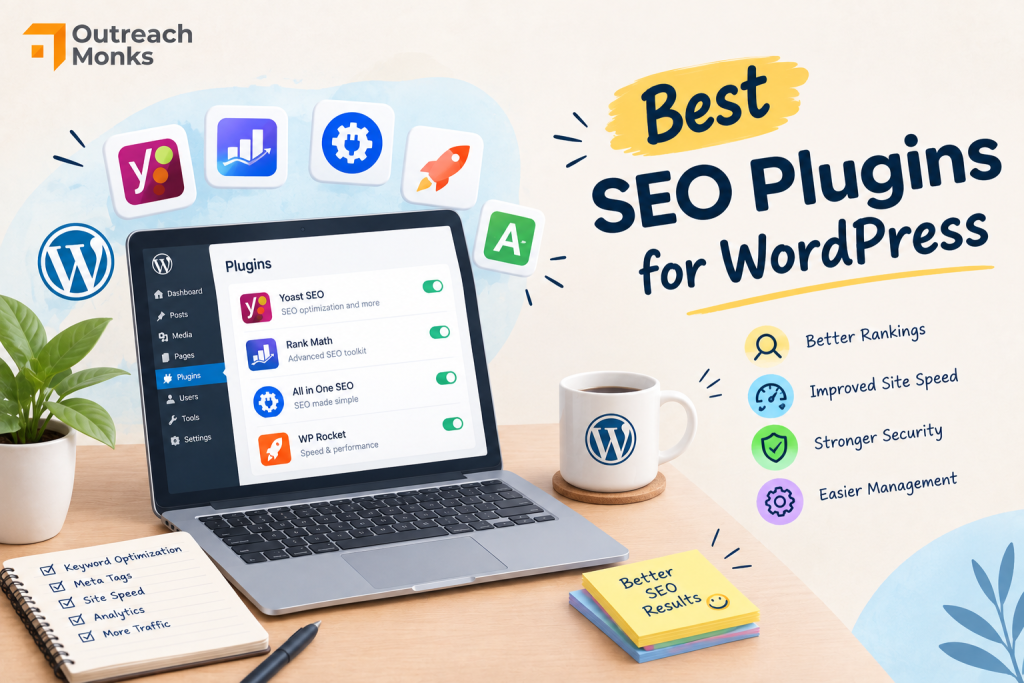
Pick one. Rank Math or Yoast SEO suits most sites, AIOSEO suits stores and multi-site owners, and SEOPress suits anyone who wants low, steady pricing. Never run two SEO plugins at once.
An SEO plugin handles the technical housekeeping on a WordPress site: titles, meta descriptions, sitemaps, schema markup and redirects. It helps Google read your pages. It does not write good content, earn backlinks, or guarantee rankings.
Outreach Monks publishes this post and does not sell an SEO plugin. Details come from vendor pages and may change. We did not run lab tests on these plugins.
How We Compared
We looked at what each plugin does on the free plan, what the paid plan adds, how pricing scales across sites, and who each one suits. Prices are ex VAT as listed by each vendor in November 2026. Install counts are left out because they change daily; check WordPress.org for the current number.
The Seven at a Glance
1. Rank Math
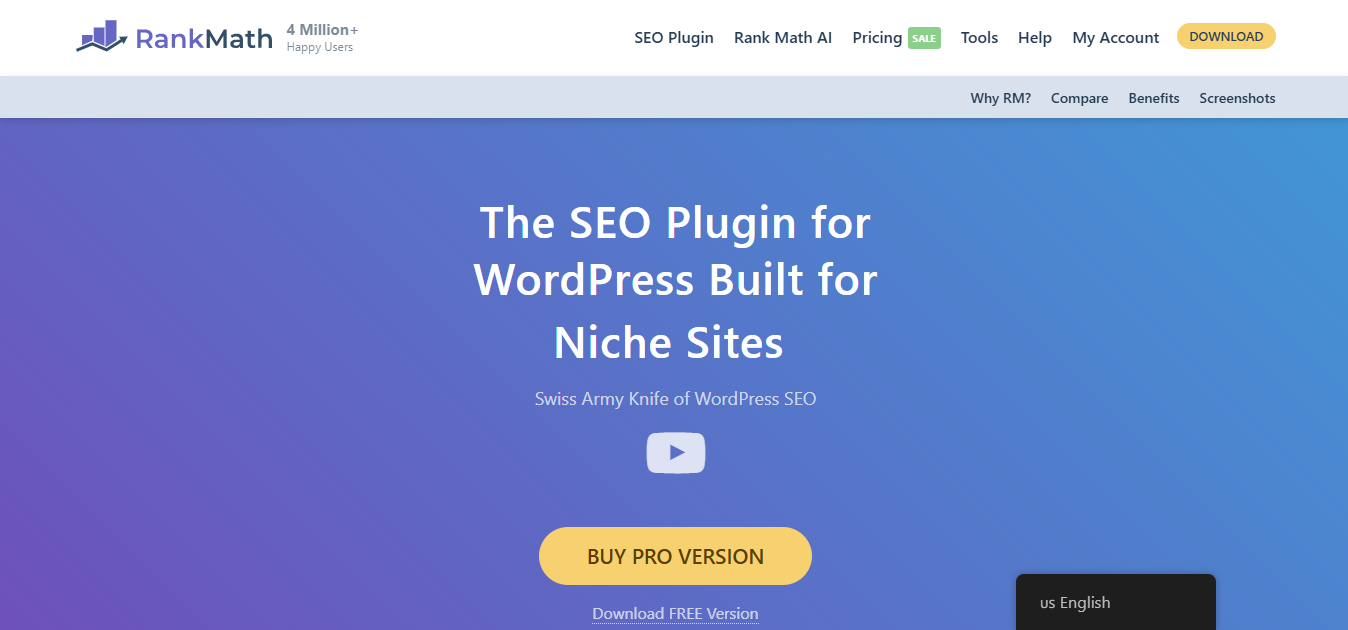
Best for: Site owners who want many features without paying upfront
Rank Math packs a lot into its free version, which is why many bloggers and small businesses start here. Pro adds rank tracking and AI tools, including an internal link tool.
The settings screen has many options. Beginners can use the setup wizard, but expect more to configure than in Yoast.
2. Yoast SEO
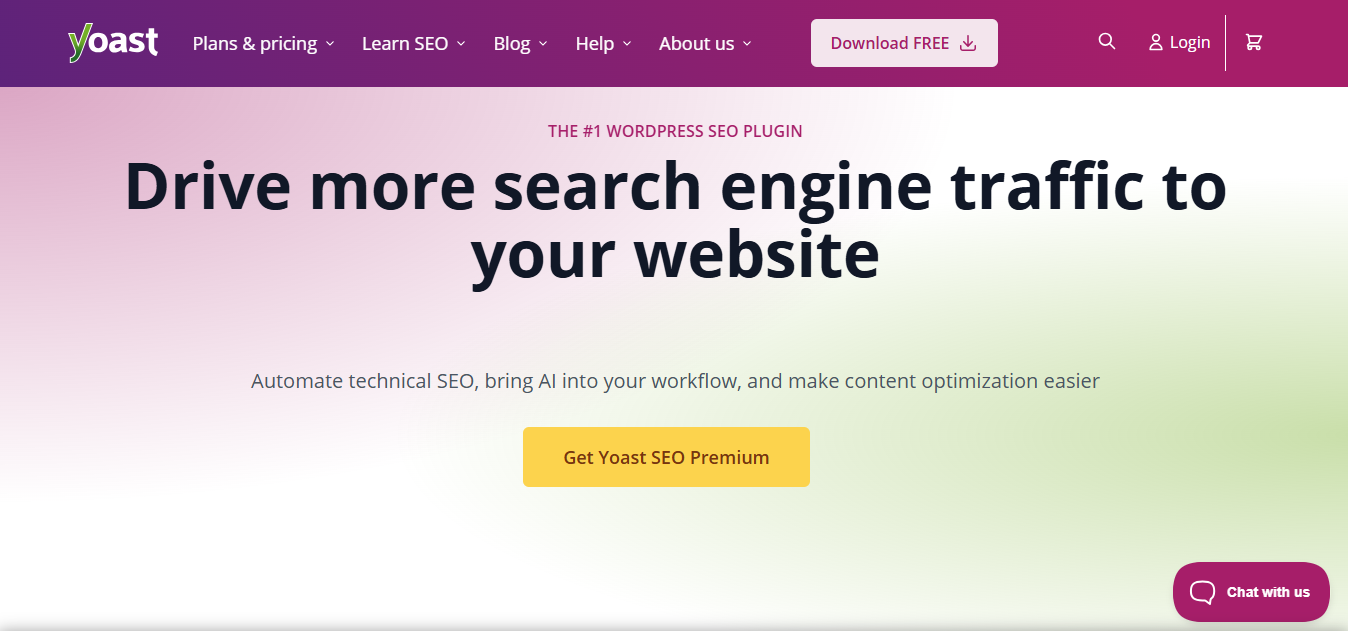
Best for: Writers who want clear, step-by-step on-page guidance
Yoast has been around since 2010 and the company says it runs on 13 million sites. The free version covers the basics well.
Premium adds a redirect manager, internal linking suggestions, AI-assisted drafting, and a Google Docs add-on. It also includes the Local SEO, News SEO, and Video SEO plugins. Stores can step up to a WooCommerce bundle at $178.80/year. See our guide to WooCommerce SEO before you pick one.
3. All in One SEO (AIOSEO)
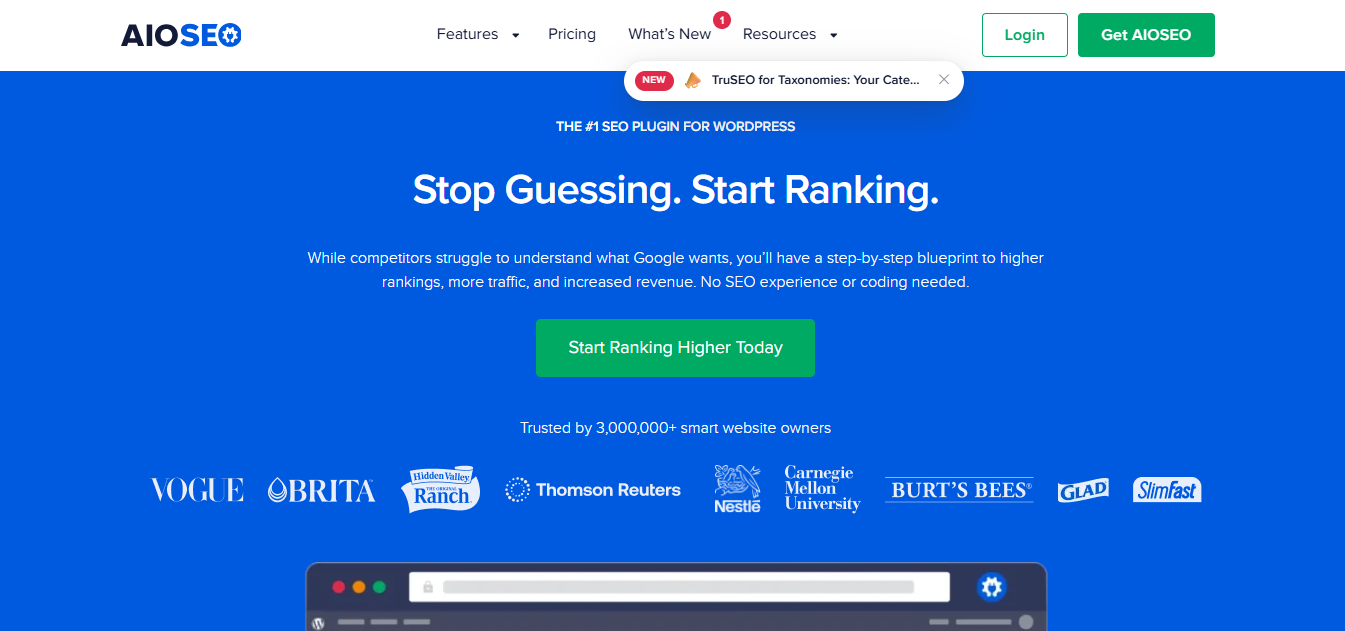
Best for: Online stores and people managing several sites
AIOSEO’s pricing is built around site count, which makes it cheap for owners with more than one site. Local SEO starts on Plus. The Link Assistant, advanced redirects, and news and video sitemaps start on Pro. Search Console data inside WordPress needs Elite.
The company reports more than 3 million active installs. Budget for the renewal price, not the first-year price.
4. SEOPress
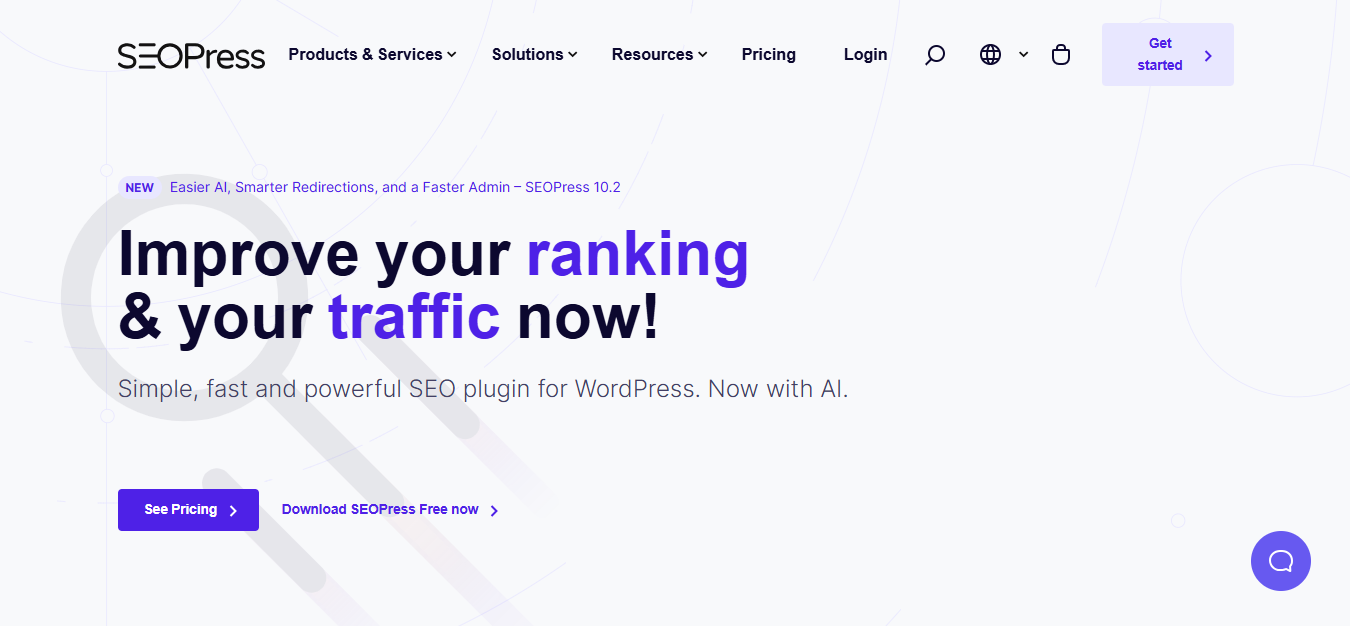
Best for: Anyone who wants low prices that don’t jump at renewal
SEOPress Pro is an add-on to the free plugin, so you install both. Pro adds a site audit, local SEO, WooCommerce SEO, schema, news and video sitemaps, and a redirect manager with 404 monitoring. It can also connect to AI providers such as OpenAI or Gemini with your own key.
The vendor lists email support only on the Pro licence.
5. The SEO Framework
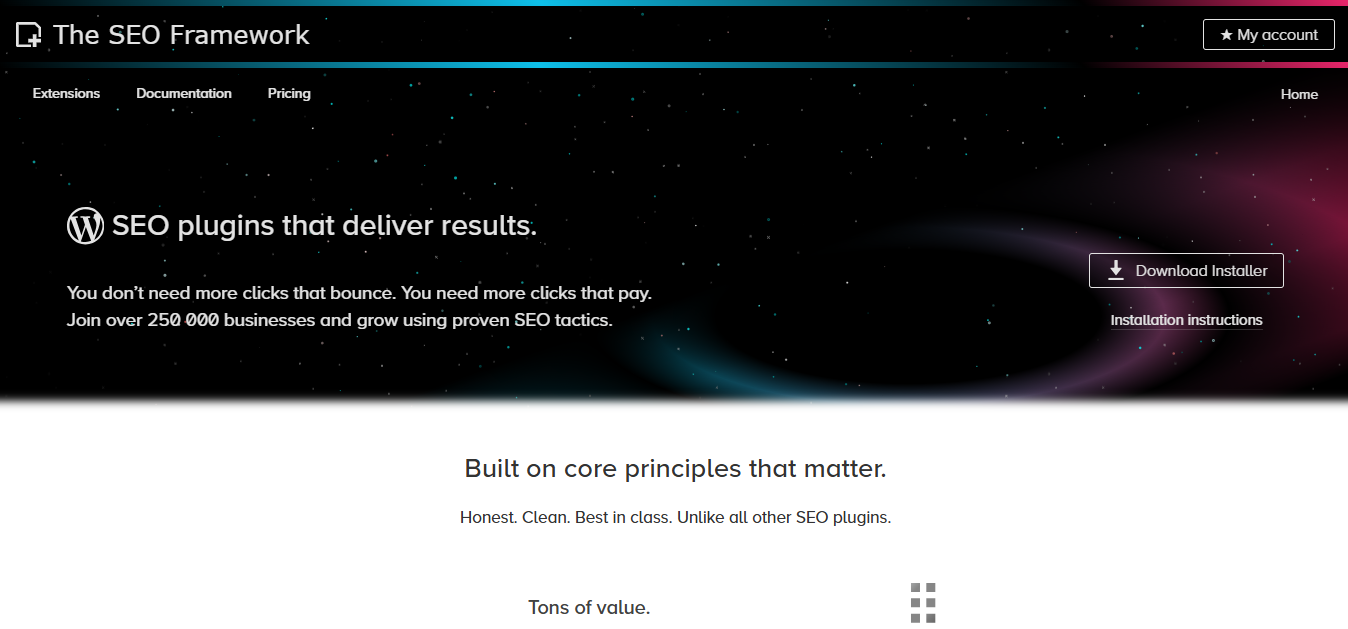
Best for: People who want a quiet, automatic plugin with no upsell clutter
The core plugin is free with no premium version. The paid part is a companion plugin, Extension Manager, which unlocks extensions for keyword analysis, article schema, local business data, and monitoring. The $7 plan covers 2 sites, the $17 plan 20 sites, and the $27 plan 200 sites.
It suits sites where you want the plugin to do its job and stay out of the way.
6. Slim SEO
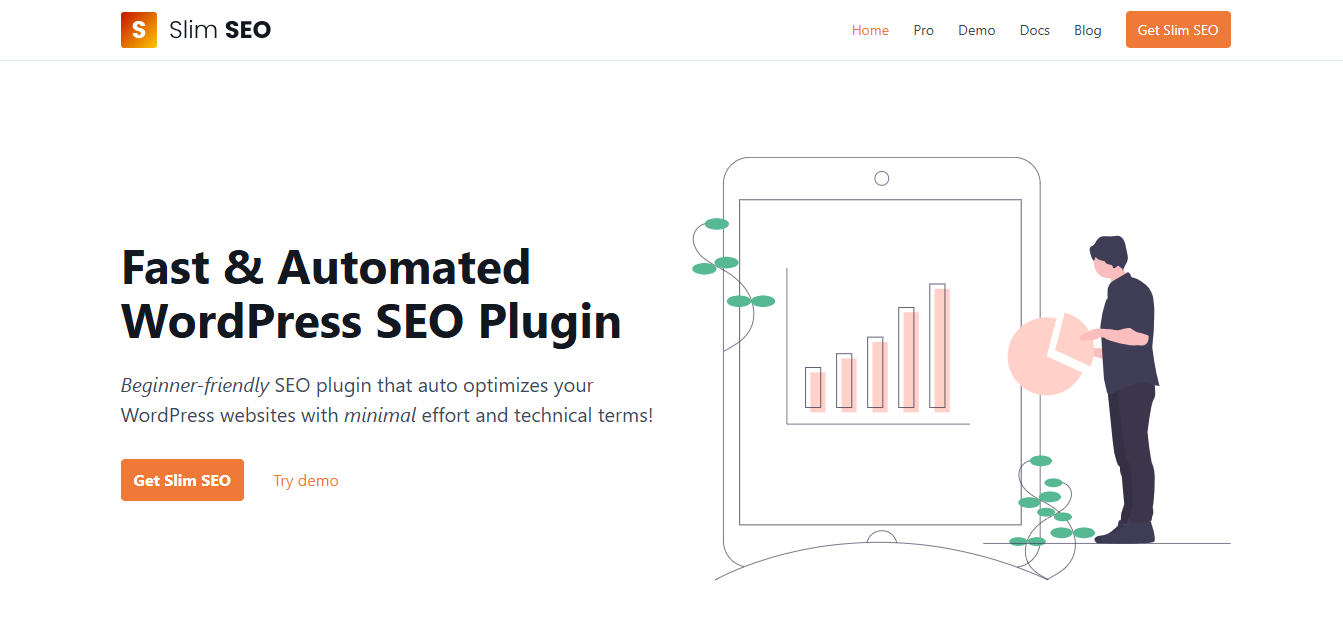
Best for: Small sites that want a light plugin with almost no setup
Slim SEO’s free plugin sets up meta tags, sitemaps, Open Graph, and schema on its own. Pro is a different plugin with a visual schema builder, a link manager, Search Console integration, and a writing assistant. You can run Pro with or without the free plugin, and install both if you want the full set.
7. Squirrly SEO
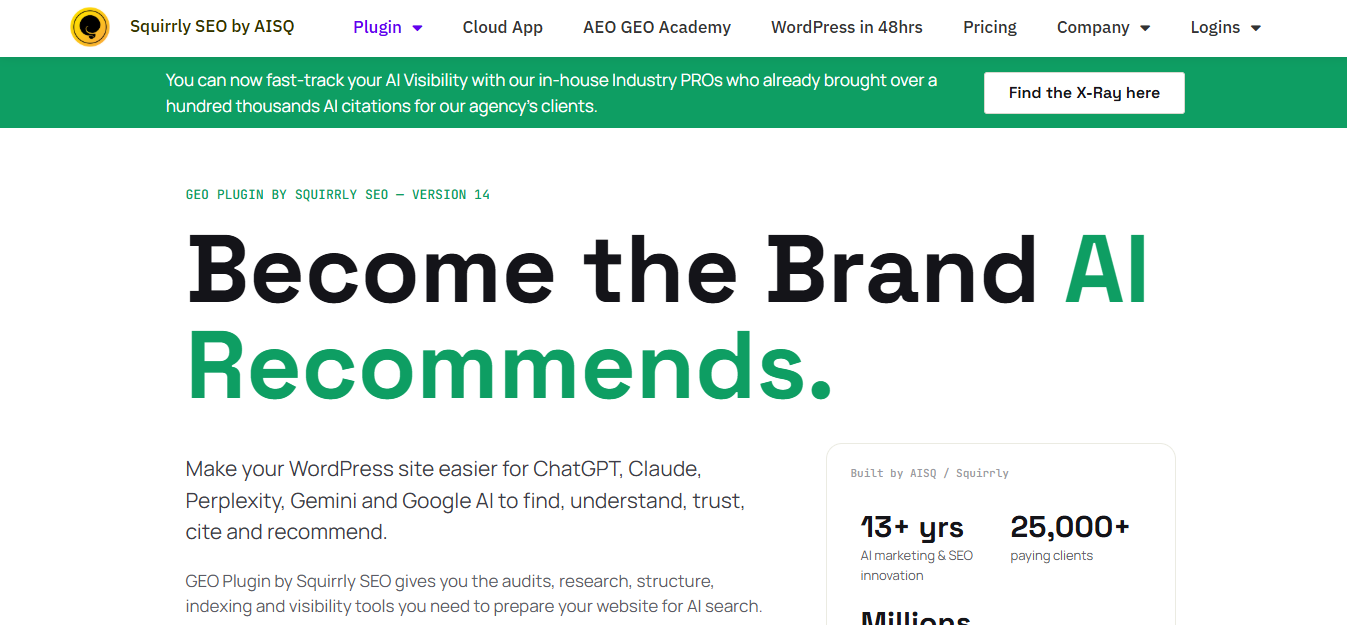
Best for: Owners who want keyword research and live writing feedback in WordPress
Squirrly pairs a plugin with a cloud app, so it also works on non-WordPress sites. The vendor says billing is monthly with no long-term contract.
Pro gives you 25 focus pages and 50 AI keyword researches a month. Check these limits against how much you publish.
Free vs Paid
Free versions of Rank Math, Yoast, AIOSEO, SEOPress, The SEO Framework, and Slim SEO already handle titles, meta descriptions and sitemaps, plus basic schema. Many small sites never need to pay.
Paid plans make sense when you need one of these:
- Redirect management and 404 tracking
- Local or WooCommerce SEO
- Rank tracking inside WordPress
- AI help for meta titles and descriptions
- Priority support for client work
What a Plugin Can’t Do
A plugin can’t fix thin content, slow hosting, or a weak backlink profile. Green lights in a plugin’s checklist don’t mean a page will rank.
Titles and snippets still need to be written for people. Google’s own guidance says a good title is unique to the page, clear and concise, and describes it accurately.
If you’re deciding where your time goes, read our breakdown of on-page vs off-page SEO. A plugin covers on-page basics. Authority from other sites comes from natural, editorial backlinks.
How to Switch Plugins Safely
Never run two SEO plugins together. They can output duplicate tags and conflicting schema.
- Back up your site and database.
- Check how your current titles and descriptions look. Save a few top pages.
- Install the new plugin and run its import tool for settings and metadata.
- Deactivate the old plugin. Don’t delete it until you’ve checked results.
- Compare titles, descriptions and schema on key pages, and check the sitemap URL.
- Resubmit the sitemap in Google Search Console and watch for errors.
Not sure which data source to trust after a switch? Our comparison of Google Analytics vs Google Search Console explains what each one shows.
Common Mistakes
- Running two SEO plugins. It creates duplicate tags.
- Trusting the score. A green dot isn’t a ranking.
- Leaving noindex on. Check Settings > Reading after launch.
- Skipping internal links. Plugins can suggest them, but you still need a plan. See how to use internal links to grow SEO performance.
- Ignoring renewal pricing. Compare year-two cost, not year one.
How to Choose
- Blog or small business site: Rank Math or Yoast SEO.
- WooCommerce store: AIOSEO, or Yoast’s WooCommerce bundle. Our link building for ecommerce guide covers what comes after the setup.
- Agency or many sites: SEOPress or AIOSEO.
- Light and automatic: Slim SEO or The SEO Framework.
- Keyword research inside WordPress: Squirrly SEO.
Final Thoughts
For most sites, the free version of Rank Math or Yoast is enough. Spend on a paid plan only when you have a specific need, such as redirects, rank tracking, or many sites.
Whichever you pick, the plugin is the starting point. Rankings still come from useful pages and trusted links. If you’d like help with the DIY side, read our DIY SEO guide. If you want a team to handle it, see our SEO packages or talk to Outreach Monks.
FAQs
What is the best SEO plugin for WordPress?
Rank Math and Yoast SEO are the most common picks. AIOSEO and SEOPress are strong if you manage stores or many sites.
Do I need an SEO plugin?
Not strictly. WordPress handles basic titles on its own. A plugin makes meta descriptions, sitemaps and redirects easier to manage.
Can I use two SEO plugins together?
No. Use one to avoid duplicate tags and conflicting schema.
Is the free version enough?
For many small sites, yes. Upgrade for redirects, local or WooCommerce SEO, rank tracking, or support.
Which plugin is cheapest?
Free versions cost nothing. For paid plans, SEOPress starts at $49/year for one site and AIOSEO's first year starts at $49.50, but AIOSEO renews at $99.
Will switching plugins hurt my rankings?
It shouldn't if you import settings, compare key pages, and resubmit your sitemap. Always back up first.
Which plugin is best for WooCommerce?
AIOSEO includes WooCommerce SEO on every paid plan. Yoast sells a separate WooCommerce bundle.
Will an SEO plugin get me to page one?
No. It prepares your site technically. Content quality and backlinks decide most of the outcome.
