Publishing content is only half the job; getting it in front of the right audience is where most marketers struggle. You might have written a great blog post, guide, or case study, but if only a few people see it, the effort falls flat.
That’s where content syndication can give you an edge.
In fact, according to a survey, 65% of B2B marketers said content syndication was a key part of their lead generation strategy. It’s not just about views, it’s about reach, credibility, and results.
Let’s break down what content syndication actually is, how it works, and how you can do it the right way without hurting your SEO.
What is Content Syndication?
Content syndication is the process of redistributing your existing content, like blog posts, articles, videos, or infographics, on third-party websites or platforms to reach a broader audience.
The goal? More visibility, better brand awareness, and increased traffic back to your site.
For example, a blog post originally published on your website might also appear on platforms like Medium, LinkedIn, or industry news sites, often with a link back to the original post. This not only amplifies your reach but can also drive referral traffic and leads.
Syndication is about content distribution with a strategy. When done right, it’s a smart way to get more mileage from every piece of content you create.
Why is Syndicating Content Important?
Content syndication helps you get your content in front of people who may never visit your site otherwise. It’s one of the most efficient ways to expand your reach without creating new content from scratch.
Here’s why it matters:
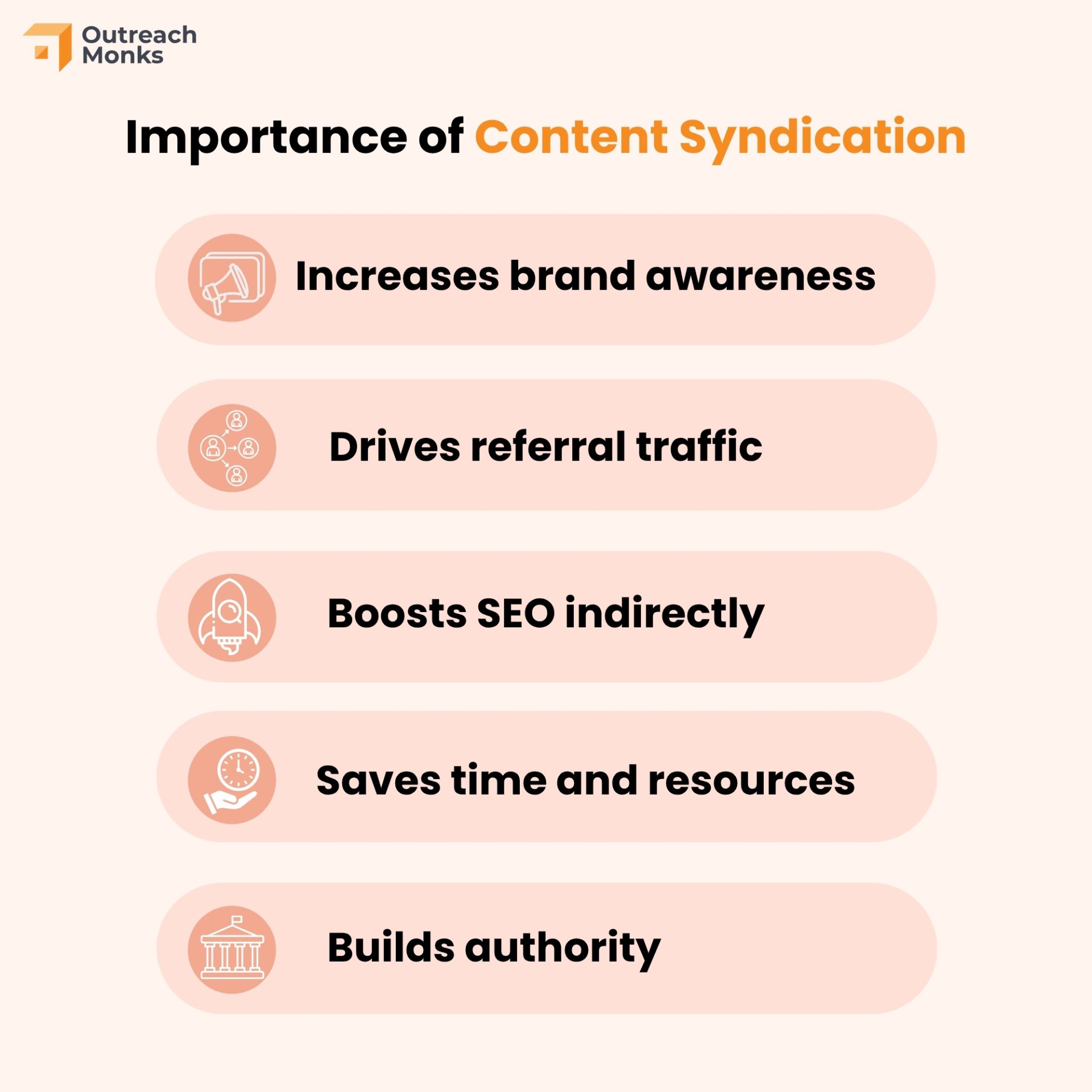
- Increases brand awareness: Your content shows up on trusted, high-traffic platforms, introducing your brand to new audiences.
- Drives referral traffic: Syndicated posts often include backlinks to your original content, helping you generate more site visits.
- Boosts SEO indirectly: While syndicated content doesn’t always pass direct SEO value, the visibility can lead to organic backlinks from other sites.
- Saves time and resources: Instead of constantly producing fresh content, you maximize what you’ve already created.
- Builds authority: Getting your content published on respected platforms positions you as a thought leader in your niche.
When you want to do more with less effort, syndication is a smart, scalable strategy.
Can You Avoid Duplicate Content Issues When Syndicating?
Yes. If done properly, you can syndicate content without harming your SEO or triggering duplicate content issues.
One common concern with content syndication is that the syndicated version may outrank your original article in search results. That’s because search engines might not immediately recognize which version is the source.
To avoid this, always ask third-party sites to use a canonical tag pointing to the original content on your website. A canonical tag tells Google:
“This is the main version of the content. Give this one the SEO credit.”
A canonical tag looks like this:
<link rel="canonical" href="https://www.yoursite.com/original-post-url/" />This small bit of code goes in the <head> section of the page. It’s an essential part of ethical syndication.
Also, consider adding a clear disclaimer or link at the beginning of the syndicated article, stating that it originally appeared on your site. This not only helps with attribution but also drives traffic back to your original piece
7 Steps to Perform Content Syndication

Content syndication isn’t just about republishing. It’s about extending your reach, driving meaningful traffic, and building credibility across new platforms. Here’s how to do it the right way.
Step 1: Identify Your Goals and Objectives
Before diving into the world of content syndication, it’s essential to have a clear roadmap. And the best way to start your journey?
Outline your goals and objectives. This step is like setting your destination before embarking on a trip.
Here’s why this step matters:
- Direction: Knowing your goals gives your syndication strategy a sense of direction. It ensures that every effort you make aligns with your desired outcome.
- Measurement: Once you’ve set clear objectives, it becomes easier to measure your success and adjust your approach if needed.
What to consider when setting goals:
- Audience Growth: Are you aiming to increase your readership or viewership?
- Brand Awareness: Perhaps you want to make more people familiar with your brand or product.
- Engagement: Do you want to boost interactions, comments, or shares?
- Lead Generation: Maybe your primary aim is to gather more potential customer details.
Remember, content syndication isn’t just about spreading content; it’s about reaching the right people with the right message. By identifying your goals and objectives upfront, you’re setting the stage for more targeted, effective syndication efforts.
Step 2: Choose the Right Content for Syndication
With your goals set, the next step is to sift through your content library. Not all content is created equal, especially when it comes to syndication. Picking the right pieces to share is like choosing the best outfit for an important event.
Here’s why this selection is crucial:
- Relevance: The chosen content should resonate with the new audience. It’s about matching their interests and needs.
- Evergreen Value: Content that remains relevant over time, like how-to guides or tips, often does well in syndication.
- Quality Over Quantity: It’s tempting to share everything, but it’s more beneficial to syndicate your best-performing and high-quality pieces.
Factors to consider when picking content:
- Performance Metrics: Look at past content metrics. Which articles or videos had the highest engagement or traffic?
- Feedback: Which pieces have received positive comments or feedback? These often indicate audience appreciation.
- Completeness: Ensure the content is comprehensive. It should stand on its own, even when read by someone unfamiliar with your brand.
- Shareability: Think about whether the content has elements that make it share-worthy, like compelling visuals or intriguing data.
Selecting the right content ensures you’re putting your best foot forward. By offering value and relevance, you’ll enhance the chances of your syndicated content making a lasting impression.
Step 3: Select Suitable Syndication Partners
Once you’ve handpicked your content, it’s time to choose where it will shine. This step is akin to finding the right stage for a talented performer. Your content, no matter how exceptional, needs the right partner to ensure it reaches its intended audience.
Here’s the significance of this selection:
- Audience Match: It’s essential that the syndication partner caters to an audience that aligns with your target demographic.
- Credibility: Associating with reputable partners enhances your brand’s trustworthiness and image.
- Mutual Benefit: A good syndication relationship is a two-way street. Both parties should see value in the partnership.
Things to consider when seeking partners:
- Audience Insights: Does the potential partner’s audience align with your target market? Check their demographics and engagement levels.
- Reputation: Look into the partner’s standing in the industry. Positive reviews, awards, or recognitions can be good indicators.
- Content Fit: Assess if your content complements their existing content. It should add value without being repetitive.
- Terms of Syndication: Before finalizing, understand the terms. Will they provide backlinks? How will attribution work?
Finding the right syndication partners isn’t just about broadening reach; it’s about ensuring that your content lands in places where it can truly make an impact.
Step 4: Establish Syndication Agreements and Guidelines
With potential partners identified, the next pivotal step is laying down the rules of the game. Think of this as setting boundaries in a new relationship. Both parties should be clear about expectations to ensure smooth sailing.
Here’s the importance of having clear agreements:
- Protection: Having a well-defined agreement safeguards your content from misuse or misrepresentation.
- Clarity: It ensures both you and your partner understand and respect each other’s requirements and limits.
- Consistency: Guidelines ensure your brand is represented consistently, maintaining its identity and integrity.
Key elements to include in your syndication agreements:
- Attribution: Detail how your brand and original content will be credited. This is crucial for brand recognition and SEO benefits.
- Duration: Specify the time frame for which the content can be syndicated. Do you want it up indefinitely or for a set period?
- Modification Rights: Decide if the partner can modify your content, and if so, to what extent.
- Distribution Channels: Identify where the content can be shared. Is it exclusive to their website, or can it also go on their social media?
- Performance Metrics: Discuss if and how the partner will share metrics like engagement, views, or conversions linked to your content.
Setting up comprehensive agreements and guidelines might seem tedious, but they’re foundational. With them in place, you’re poised for a harmonious and effective syndication journey.
Step 5: Optimize Content for Syndication
Having pinpointed your content and partners, it’s time to give your content the final touch-up. Think of this as prepping a dish for a potluck; you want it to stand out and suit the event’s context. Tailoring your content for syndication ensures it resonates well with the new audience and platform.
Here’s why optimization is key:
- Adaptability: Every platform has its unique audience and format. Your content should feel native and not out of place.
- Engagement: Tweaks can make your content more captivating, prompting higher interactions and shares.
- Searchability: Proper optimization can enhance the content’s visibility on search engines, amplifying its reach.
Steps to optimize your content:
- Format Adjustments: Adapt the content to suit the partner’s platform. This could mean changing the layout, using different visuals, or adjusting the content length.
- Keyword Integration: Incorporate keywords relevant to the new platform or audience to boost search engine ranking.
- Calls-to-Action (CTAs): Update or add CTAs that guide the new audience towards desired actions, be it signing up, reading more, or making a purchase.
- Internal Links: Ensure that links within the content lead to relevant and active pages on your website, enhancing the user journey.
- Feedback Incorporation: If you’ve received noteworthy feedback on the original content, consider making refinements.
Optimizing content for syndication is like fine-tuning an instrument. With the right adjustments, your content is primed to perform beautifully, no matter where it’s showcased.
Step 6: Monitor and Analyze Syndication Performance
Once your content is out in the world through syndication, the journey isn’t over. It’s akin to setting a ship to sail; you must keep an eye on its course to ensure it reaches its destination. Monitoring and analyzing how your content performs post-syndication is essential to gauge its impact and refine future strategies.
Here’s why tracking performance is indispensable:
- Insights: Monitoring provides a clear picture of what’s working and what’s not, giving you invaluable insights.
- Adjustments: With real-time data, you can make necessary adjustments to your content or syndication strategy.
- Value Check: It helps in determining if the partnership is yielding the desired results and value for both parties.
Steps to monitor and analyze performance:
- Traffic Metrics: Track the number of visitors, bounce rate, and time spent on your content. Tools like Google Analytics can be handy for this.
- Engagement Indicators: Measure likes, shares, comments, and other interactions to gauge audience involvement.
- Lead Generation: Monitor how many new leads or subscribers you’re gaining through syndicated content.
- SEO Impact: Keep an eye on your content’s search engine ranking to ensure that syndication isn’t causing duplicate content issues.
- Feedback Loop: Maintain open communication with your syndication partner to receive feedback and performance stats they might have.
By keeping a vigilant eye on how your syndicated content is faring, you’re not just gathering data; you’re gathering insights. These insights are the stepping stones for future content strategies, ensuring your efforts continue to bear fruit.
Step 7: Maintain Relationships and Optimize Strategy
Once the groundwork of syndication is laid and in motion, ongoing maintenance takes center stage.
Cultivating strong relationships with your syndication partners and continually refining your strategy are the cornerstones of long-term success.
Here’s the significance of this ongoing effort:
- Sustainability: Good relationships foster trust and pave the way for future collaborations, ensuring a sustainable syndication strategy.
- Adaptability: The digital landscape is dynamic. Regular strategy optimization ensures you remain relevant and effective.
- Feedback Integration: Continuous interaction with partners provides insights that can be vital for future content creation and syndication.
Key actions for maintaining and optimizing:
- Regular Check-ins: Touch base with your partners periodically. This not only strengthens the bond but also helps in understanding any evolving needs or challenges.
- Performance Reviews: Revisit the performance metrics periodically and discuss them with your partner to identify areas of improvement.
- Content Updates: As your content evolves or new trends emerge, share updated or fresh content with your syndication partners.
- Feedback Channels: Create open channels for feedback, both from your partners and the audience, to inform your strategy.
- Stay Informed: Keep an eye on industry trends and best practices in content syndication to ensure your approach remains cutting-edge.
In content syndication, building and nurturing relationships is as crucial as the content itself. By maintaining strong ties and a finger on the pulse of your strategy’s performance, you set the stage for ongoing success and growth.
Top 15 Content Syndication Sites to Boost Your Reach in 2025
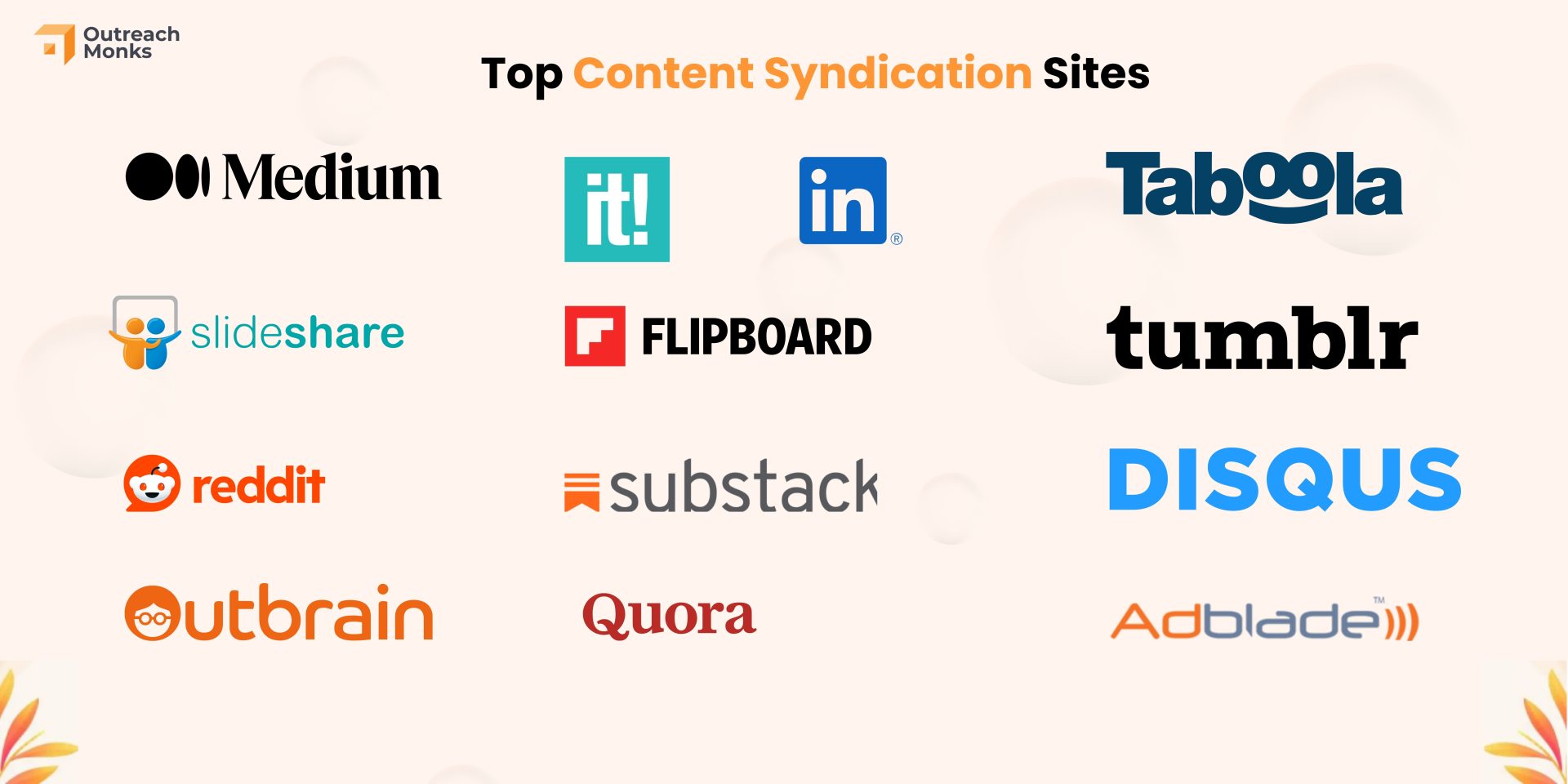
Content syndication is a powerful strategy to amplify your content’s reach, drive traffic, and generate leads. Here are 15 top platforms you can leverage:
1. LinkedIn Publishing (Free)
LinkedIn’s publishing platform allows professionals to share articles directly with their network, enhancing visibility among industry peers and potential clients.
2. Medium (Free)
Medium offers a vast audience across various niches. By republishing your content here, you can tap into new reader segments and establish thought leadership.
3. Flipboard (Free)
Flipboard enables you to curate content into personalized magazines, making it easier to share your articles with interested readers in a visually appealing format.
4. Substack (Free)
Substack allows you to distribute content via newsletters, helping you build a dedicated subscriber base and maintain direct communication with your audience.
5. SlideShare (Free)
SlideShare is ideal for sharing presentations and infographics. This allows you to repurpose content into visual formats that can attract a professional audience. You can use a presentation tool like SlidesAI that provides an engaging and interactive platform for creating visually appealing slides. This empowers users to craft professional presentations with ease.
6. Quora (Free)
By answering relevant questions on Quora and linking back to your content, you can position yourself as an expert and drive targeted traffic to your site.
7. Reddit (Free)
Participating in niche subreddits and sharing valuable content can help you engage with specific communities and increase your content’s exposure.
8. Outbrain (Paid)
Outbrain is a content discovery platform that places your articles on high-traffic websites, helping you reach a broader audience through native advertising.
9. Taboola (Paid)
Similar to Outbrain, Taboola promotes your content across a network of publisher sites, enhancing visibility and driving targeted traffic.
10. Scoop.it (Freemium)
Scoop.it allows you to curate and share content within your industry, helping you establish authority and connect with like-minded professionals.
11. Tumblr (Free)
Tumblr’s microblogging platform enables you to share multimedia content, making it suitable for reaching younger audiences with diverse content formats.
12. Disqus (Free)
Disqus offers content syndication through its comment system, allowing your discussions to appear across various websites and engage readers directly.
13. Adblade (Paid)
Adblade provides native advertising solutions, placing your content within relevant articles on premium publisher sites to attract targeted readers.
14. Digg (Free)
Digg aggregates trending content, and by submitting your articles, you can increase their chances of being discovered by a wider audience.
15. StumbleUpon (Free)
StumbleUpon helps users discover new content based on their interests. Sharing your articles here can drive traffic from users seeking related topics.
Utilizing these platforms can significantly enhance your content’s reach and effectiveness. Remember to tailor your content to each platform’s audience and guidelines for optimal results.
Conclusion
Content syndication is about getting the right eyes on your content. When done strategically, syndication can drive targeted traffic, boost your brand authority, and even generate qualified leads.
But it’s not a plug-and-play solution. You need to choose the right content, work with reputable partners, and monitor results regularly. Whether you’re just starting or refining your approach, the steps and tools mentioned here will help you do it the right way, without hurting your SEO or brand credibility.
Frequently Asked Questions
What Types of Content Work Best for Syndication?
Long-form blog posts, how-to guides, infographics, and research studies perform well. Evergreen content tends to offer more long-term value when syndicated.
How Often Should I Syndicate My Content?
It depends on your publishing schedule, but once a week or bi-weekly is a good starting point. Focus on quality and strategic timing over quantity.
Does Content Syndication Affect My SEO Rankings?
It can if not handled correctly. Always use canonical tags or noindex tags to signal the original source and avoid duplicate content penalties.
Can I Use Content Syndication to Drive Leads?
Yes. Platforms like Outbrain or Taboola, or lead capture forms on syndicated posts, can drive qualified leads when properly executed.
Is Content Syndication Free?
Some platforms, like Medium and LinkedIn, are free. Others like Outbrain, Taboola, and Adblade charge for traffic or placement.
Should I Modify Content Before Republishing?
Slight changes like new headlines or intros can help tailor content for new audiences, but keep the core message consistent with the original.
What’s the Difference Between Guest Posting and Syndication?
Guest posting is original content made for another site. Syndication involves republishing existing content across multiple platforms.
How Can I Track Syndication Performance?
Use UTM parameters and track referral traffic, engagement metrics, and conversions through Google Analytics or your preferred analytics tool.